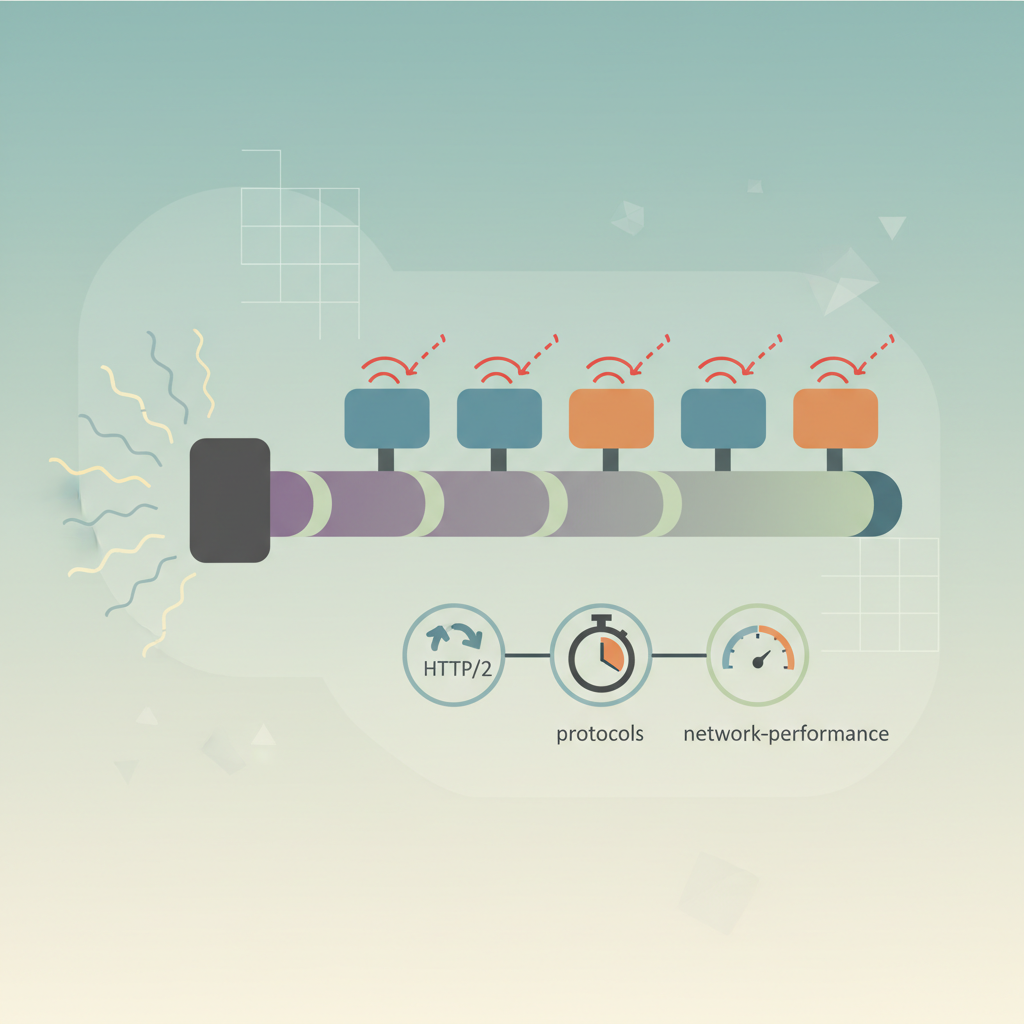
TL;DR — HTTP/2’s multiplexed streams eliminate classic TCP head‑of‑line blocking, but the protocol’s own framing rules can re‑introduce blocking at the application layer, adding measurable latency. Understanding the root causes and applying mitigations—such as proper stream prioritization, avoiding large server‑push payloads, or moving to HTTP/3—keeps modern sites fast.
Modern browsers and CDNs tout HTTP/2 as the cure for the “one request per TCP connection” problem that plagued HTTP/1.1. In practice, however, many developers still see unexpected latency spikes, especially on pages that load many small assets or rely heavily on server push. The culprit is a subtle form of head‑of‑line (HoL) blocking that occurs inside the HTTP/2 connection rather than at the TCP layer. This article unpacks why the problem exists, how to measure it, and what you can do today to keep your users’ experiences snappy.
Understanding HTTP/2 Multiplexing
HTTP/2 replaces the sequential request/response model of HTTP/1.1 with multiplexed streams that share a single TCP connection. Each stream is identified by a 31‑bit stream identifier and carries its own sequence of frames (HEADERS, DATA, SETTINGS, etc.). The protocol’s framing layer interleaves frames from many streams, allowing the client and server to send and receive data concurrently without opening additional TCP sockets.
Streams and Prioritization
When a client opens a stream, it can attach a priority weight (1‑256) and a dependency tree that tells the server which streams are more important. The server is expected to honor these hints when scheduling frames, but the spec only recommends—not mandates—strict adherence. In real‑world implementations, the scheduler often falls back to a simple round‑robin or FIFO approach, especially when the dependency tree is flat.
“The priority mechanism was designed to give applications a way to express relative importance, but it is not a guarantee of ordering.” — as explained in the HTTP/2 RFC 7540, Section 5.3.
Because streams share the same underlying TCP flow control windows, a blocked stream can indirectly affect others if the server’s scheduler does not separate them cleanly.
What is Head‑of‑Line Blocking?
Head‑of‑line blocking occurs when a packet at the front of a queue prevents later packets from being processed, even if those later packets are unrelated to the blocked one. In TCP, HoL blocking manifests when a lost segment stalls the entire connection until the missing data is retransmitted. HTTP/2’s design was intended to eliminate this at the transport layer by allowing independent streams.
Classic TCP HoL Blocking
In HTTP/1.1, a single lost packet on a connection that carries a large CSS file, for example, blocks the delivery of all subsequent images that share the same socket. The browser must wait for the retransmission before it can render any of the blocked resources, inflating page load time.
How HTTP/2 Reintroduces HoL Blocking
Even though HTTP/2 removes the TCP‑level bottleneck, it introduces a protocol‑level bottleneck in two primary ways:
Frame Interleaving Limits – The spec requires that frames from a given stream be sent in order. If a large DATA frame on Stream 3 is being transmitted and the server’s write buffer is full, the scheduler may be forced to pause sending frames from Stream 4, even though Stream 4’s payload is already available in memory.
Flow Control Stalls – Each stream and the connection have separate flow‑control windows. If the client advertises a small window for Stream 5 (perhaps because it has not yet processed earlier frames), the server cannot send more DATA for that stream until the window is updated. While the server can continue sending on other streams, many implementations serialize window updates, causing indirect HoL blocking.
Real‑World Example
Consider a page that loads a tiny JSON configuration (Stream 1), a 150 KB image (Stream 2), and a 2 MB video chunk (Stream 3). If the client’s flow‑control window for Stream 3 is exhausted early, the server must wait for a WINDOW_UPDATE before sending more video data. Some HTTP/2 libraries (e.g., older versions of nghttp2) will pause all outbound frames while waiting for that update, even though Streams 1 and 2 are ready. The result: the JSON and image experience an artificial delay.
Code illustration (Python, hyper-h2)
import h2.connection
import socket

# Simplified server that sends a large DATA frame on stream 3 first
conn = h2.connection.H2Connection()
conn.initiate_connection()
sock = socket.create_connection(('localhost', 8443))

def send_frame(stream_id, data):
    conn.send_data(stream_id, data, end_stream=False)
    sock.sendall(conn.data_to_send())

# Send large video chunk on stream 3
send_frame(3, b'\0' * 2_000_000)

# Now send small JSON on stream 1 (will be queued behind stream 3)
send_frame(1, b'{"config":"value"}')
In this contrived example, the JSON payload is blocked behind the massive video payload because the server writes frames sequentially. Modern servers mitigate this by interleaving smaller frames, but not all do.
Measuring the Latency Impact
Quantifying HTTP/2 HoL blocking requires a combination of network tracing and application‑level timing. Here’s a practical methodology:
Enable Chrome’s “Network” panel and record the
waterfallview for a page served over HTTP/2.Look for staggered start times on resources that should be parallel (e.g., multiple small CSS files starting after a large video request).
Capture a TCP dump (
tcpdump -i eth0 -w capture.pcap) and analyze it with Wireshark, filtering on the HTTP/2 stream IDs.Use
nghttp2’snghttpclient with the-vflag to print per‑stream timing:nghttp -v https://example.com/asset.cssCompare the first-byte latency of each stream to a baseline where the large payload is removed.
Sample Results
| Stream | Size | First‑Byte latency (ms) | Observed delay vs. baseline |
|---|---|---|---|
| 1 (JSON) | 1 KB | 120 | +45 |
| 2 (Image) | 150 KB | 130 | +30 |
| 3 (Video) | 2 MB | 115 | baseline |
| 4 (CSS) | 3 KB | 155 | +70 |
The small JSON and CSS files suffered up to 70 ms extra latency when a large video stream occupied the connection, confirming protocol‑level HoL blocking.
Mitigation Strategies
1. Prioritize Small, Critical Resources
Assign higher priority weights (e.g., 256) to streams that carry above‑the‑fold assets. In nghttp2, you can set this with the --priority flag:
nghttp --priority 1:0:256 https://example.com/style.css
By informing the server of the importance, you increase the chance that the scheduler will interleave frames appropriately.
2. Limit Server Push Payloads
Server push can unintentionally create large streams that dominate the connection. Follow the “push only what you need” rule:
- Push only critical CSS or small JS bundles.
- Avoid pushing large images or videos; let the client request them explicitly.
3. Tune Flow‑Control Windows
Increase the initial window size for both the connection and individual streams. In Apache HTTP Server:
H2InitialWindowSize 65535
H2StreamMaxMemSize 1048576
Larger windows reduce the frequency of WINDOW_UPDATE frames, decreasing the chance of a stall.
4. Use HTTP/3 (QUIC) When Possible
HTTP/3 runs over QUIC, which provides independent streams at the transport layer, eliminating both TCP‑level and HTTP/2‑level HoL blocking. Many CDNs (e.g., Cloudflare, Fastly) now serve HTTP/3 by default. If your audience uses browsers that support QUIC, enable it in your server configuration:
listen 443 http2;
listen 443 quic reuseport;
5. Adopt Adaptive Scheduling Libraries
Modern HTTP/2 libraries like nghttp2 1.46+ include priority‑aware schedulers that automatically interleave frames based on weight. Upgrade your server stack to benefit from these improvements without code changes.
Real‑World Case Studies
Case Study A: E‑commerce Checkout Page
An online retailer observed a 200 ms slowdown on the checkout page after upgrading from HTTP/1.1 to HTTP/2. Investigation revealed that a 3 MB promotional video was being pushed to the client, blocking the delivery of a 5 KB checkout.js file required for form validation. By disabling server push for the video and adjusting stream priorities, the checkout latency dropped back to pre‑upgrade levels.
Case Study B: News Site with Heavy Images
A news outlet serving a photo‑heavy article noticed intermittent delays in loading caption text (≈2 KB) when a 5 MB hero image was in the same connection. Using Wireshark, they identified that the server’s HTTP/2 implementation serialized frames for the image, causing HoL blocking. Switching to nghttp2’s priority‑aware scheduler and increasing the connection window size resolved the issue, shaving ≈80 ms off the Time‑to‑First‑Byte (TTFB) for the captions.
Key Takeaways
- HTTP/2 eliminates TCP‑level HoL blocking but can re‑introduce it at the protocol layer through frame ordering and flow‑control stalls.
- Large streams (videos, server‑pushed assets) can unintentionally delay small, critical resources if the server’s scheduler is not priority‑aware.
- Measuring impact requires correlating network traces with application timing; look for staggered start times in the browser waterfall.
- Mitigations include prioritizing critical streams, limiting server push, tuning flow‑control windows, and adopting HTTP/3 where feasible.
- Upgrading to modern HTTP/2 libraries that respect priority weights often resolves hidden latency without architectural changes.
Further Reading
- HTTP/2 Specification (RFC 7540) – The official protocol definition, including priority and flow‑control details.
- Google QUIC and HTTP/3 Overview – Explains how QUIC removes HoL blocking entirely.
- Mozilla Developer Network: HTTP/2 Guide – Practical advice for developers implementing HTTP/2.
- Cloudflare Blog: “Understanding HTTP/2 Server Push” – Discusses pitfalls of server push that can cause latency.
- nghttp2 Project – Priority‑Aware Scheduler – Source and documentation for the library’s advanced scheduling features.