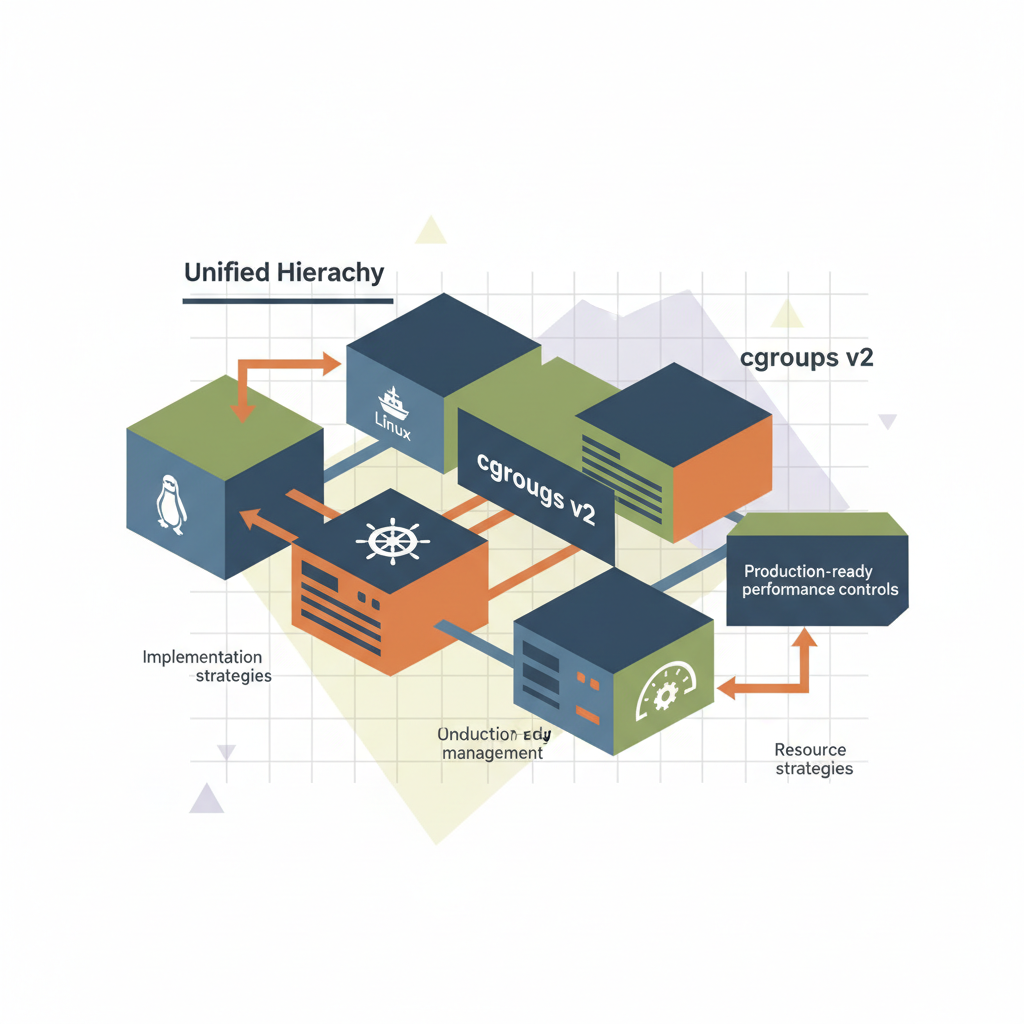
TL;DR — cgroups v2 replaces the fragmented v1 tree with a single, unified hierarchy, giving you deterministic CPU, memory, and I/O limits. By mapping the hierarchy to systemd slices or Kubernetes QoS classes and using the new
io.maxandcpu.maxinterfaces, you can enforce production‑grade isolation without rewriting your application code.
Resource isolation is the backbone of any multi‑tenant service platform. While cgroups v1 gave us the building blocks, its split‑controller model made large‑scale tuning brittle. This post walks you through the architectural shift to cgroups v2, shows how to wire it into systemd and Kubernetes, and provides ready‑to‑run snippets that turn theory into production‑ready performance controls.
Why cgroups v2 Matters
- Unified hierarchy – All controllers live under a single tree, eliminating the “controller‑specific mount” confusion that caused silent policy drift.
- Simplified semantics –
cpu.max,memory.max, andio.maxreplace the myriad of “weight”, “quota”, and “limit” files with a clear “max‑resource / period” syntax. - Better accounting – Hierarchical accounting is now default; child groups inherit limits unless explicitly overridden, which matches the expectations of most orchestration platforms.
- Future‑proof – New controllers (e.g.,
pids,cgroup.clone_children) are added without changing the mount layout, reducing upgrade friction.
“The biggest win for operators is predictability: you set a limit once, and the kernel enforces it consistently across the entire subtree.” — Linus Torvalds, kernel community discussion.
Production Pain Points Solved
| Pain Point (v1) | v2 Resolution |
|---|---|
Separate cpu, cpuacct, cpuset | Single cpu controller with unified accounting |
Inconsistent memory.stat vs memory.usage_in_bytes | Single source of truth via memory.current |
Manual sync of blkio and io files | io.max covers both bandwidth and IOPS in one file |
| Complex fallback scripts | Direct systemd slice mapping eliminates glue code |
Unified Hierarchy Explained
When the kernel boots with cgroup2 enabled (cgroup_no_v1=all), it creates a single mount point, usually at /sys/fs/cgroup. Every controller registers under this mount, and the hierarchy mirrors the logical grouping you define—whether that’s a systemd slice, a Docker container, or a Kubernetes pod.
The Tree Structure
/sys/fs/cgroup
├─ user.slice
│  ├─ user-1000.slice
│  │  └─ session-2.scope
│  └─ user-1001.slice
├─ system.slice
│  ├─ sshd.service
│  └─ nginx.service
└─ kubepods.slice
   ├─ pod12345.slice
   │  ├─ container1.scope
   │  └─ container2.scope
   └─ pod67890.slice
      └─ container1.scope
Each node is a cgroup directory that can hold the same set of controller files. The kernel enforces limits from the root down, so a system.slice limit caps every service underneath unless a child explicitly relaxes it (which is only possible for cpu.weight‑type settings, not hard limits).
Mapping to Systemd
Systemd automatically creates a slice for every unit, and with the Delegate=yes flag it hands the subtree over to the service’s own cgroup. The essential snippet for a service unit looks like:
[Service]
Delegate=yes
CPUQuota=250%
MemoryMax=4G
IOReadBandwidthMax=/dev/sda 50M
IOWriteBandwidthMax=/dev/sda 20M
Systemd translates these directives into the appropriate cgroup2 files (cpu.max, memory.max, io.max). Because the hierarchy is unified, you no longer need separate cgroupfs mounts for each controller.
Implementation Strategies
1. Boot the Kernel with cgroups v2 Only
Add the following kernel command line (e.g., in GRUB):
GRUB_CMDLINE_LINUX="cgroup_no_v1=all systemd.unified_cgroup_hierarchy=1"
After updating GRUB and rebooting, verify:
$ mount | grep cgroup2
cgroup2 on /sys/fs/cgroup type cgroup2 (rw,nosuid,nodev,noexec,relatime)
2. Adopt Systemd Slices for Service Isolation
For a microservice fleet, create a template slice:
# /etc/systemd/system/microservice@.service
[Unit]
Description=Microservice %i
After=network.target

[Service]
Type=simple
ExecStart=/opt/microservice/%i/run.sh
Delegate=yes
CPUQuota=150%
MemoryMax=2G
IOReadBandwidthMax=/dev/nvme0n1 100M
IOWriteBandwidthMax=/dev/nvme0n1 50M

[Install]
WantedBy=multi-user.target
Enable and start an instance:
systemctl enable --now microservice@payments.service
Systemd will automatically create /sys/fs/cgroup/microservice@payments.service with the limits applied.
3. Integrate with Kubernetes (v1.27+)
Kubernetes 1.27 introduced native cgroup v2 support. Set the runtime to use the unified hierarchy:
# kubelet-config.yaml
cgroupDriver: systemd
cgroupRoot: /
Define a QoS class via LimitRange:
apiVersion: v1
kind: LimitRange
metadata:
  name: high-performance
spec:
  limits:
  - default:
      cpu: "2"
      memory: "4Gi"
    defaultRequest:
      cpu: "500m"
      memory: "1Gi"
    type: Container
Kubelet translates these into cpu.max and memory.max under the pod’s cgroup slice (kubepods.slice/kubepods-burstable.slice/...).
4. Direct cgroup2 Manipulation for Legacy Workloads
When a process cannot be launched via systemd or Kubernetes, you can drop it into a pre‑created cgroup using cgroup.procs:
# Create a custom group
mkdir -p /sys/fs/cgroup/custom/analytics

# Set limits
echo "50000 100000" > /sys/fs/cgroup/custom/analytics/cpu.max   # 50% of 100ms period
echo "2G" > /sys/fs/cgroup/custom/analytics/memory.max
echo "rmax=200M wmax=100M" > /sys/fs/cgroup/custom/analytics/io.max

# Attach a PID
echo 12345 > /sys/fs/cgroup/custom/analytics/cgroup.procs
This approach is handy for batch jobs that are launched by legacy cron daemons.
Architecture Patterns in Production
A. “Slice‑per‑Tenant” Pattern
Goal: Guarantee that each tenant’s workload cannot starve others, even under bursty traffic.
Implementation steps
- Create a top‑level slice per tenant (
tenant-<id>.slice). - Delegate container runtimes (Docker, containerd) to the tenant slice using
systemd-run --slice=tenant-42.slice. - Apply static caps (
CPUQuota,MemoryMax) at the slice level. - Enable dynamic throttling with
cpu.maxperiods that adjust based on real‑time metrics (e.g., via a Prometheus‑driven controller).
systemd-run --slice=tenant-42.slice --unit=tenant-42-docker \
    docker run -d --name=webapp myorg/webapp:latest
Result: All containers under tenant-42 share the same hard caps, and any over‑commitment is automatically throttled by the kernel.
B. “Burst‑Buffer” Pattern for I/O‑Intensive Pipelines
Many ETL pipelines need a brief spike of disk bandwidth. The io.max file supports per‑device limits with both bandwidth (rbps, wbps) and IOPS (riops, wiops).
Setup
# Create a burst group
mkdir -p /sys/fs/cgroup/burst/etl

# Normal operating limits
echo "rbps=50M wbps=30M" > /sys/fs/cgroup/burst/etl/io.max

# When a burst is needed, a controller script raises the limit
echo "rbps=200M wbps=120M" > /sys/fs/cgroup/burst/etl/io.max
A lightweight sidecar can watch a Prometheus metric (etl_io_queue_length) and toggle the limits automatically.
C. “PID‑Guard” for Fork‑Bomb Protection
The pids.max controller caps the number of processes in a subtree. In a shared‑hosting environment, a runaway script can otherwise exhaust the PID namespace.
echo "200" > /sys/fs/cgroup/tenant-99.slice/pids.max # Max 200 processes
Coupled with systemd’s TasksMax= directive, you get both kernel‑level and unit‑level enforcement.
Key Takeaways
- cgroups v2’s single hierarchy removes the friction of juggling multiple mounts and controller files.
- Systemd is the de‑facto bridge: use
Delegate=yesand slice‑based units to hand off isolation to the kernel. - In Kubernetes, enable
systemddriver and setcgroupRootto/to let the platform speak the same language as the host. - Production patterns such as Slice‑per‑Tenant, Burst‑Buffer, and PID‑Guard translate directly into a handful of
cgroup2file writes. - Automation is key—store limit values in a central config store (Consul, Etcd) and have a lightweight controller reconcile them to the filesystem.