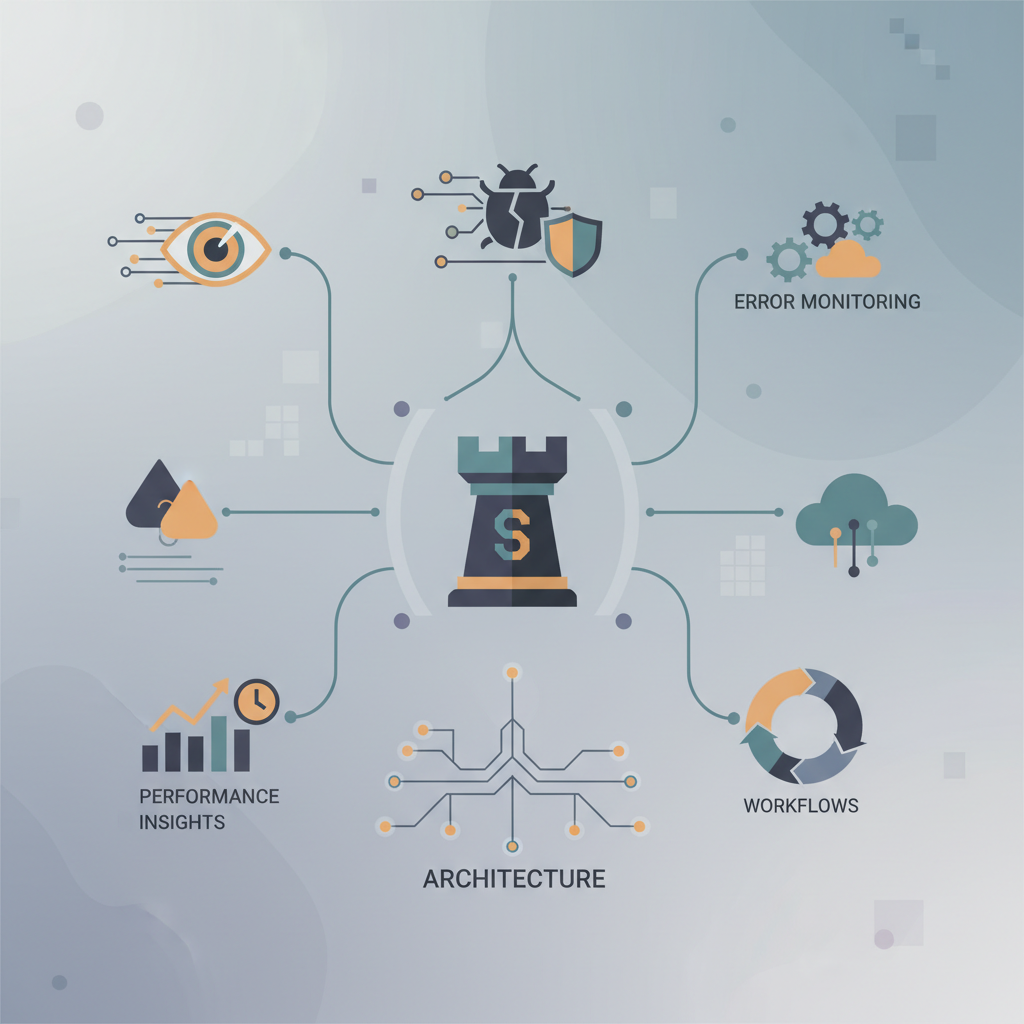
TL;DR — Sentry can be run as a managed SaaS or self‑hosted cluster that scales to millions of events per day. By understanding its ingestion pipeline, storage layout, and sampling knobs, you can keep latency sub‑second, control costs, and integrate alerts directly into your incident response playbooks.
Modern applications generate a relentless stream of exceptions, performance traces, and custom breadcrumbs. Without a disciplined observability stack, those signals drown in noise, delay MTTR, and inflate cloud bills. Sentry is one of the few tools that combines full‑stack error capture with performance monitoring, and it offers a surprisingly granular set of knobs for production teams. This post unpacks the end‑to‑end architecture, walks through a typical workflow from SDK capture to on‑call resolution, and dives into the performance levers you need to master to keep Sentry both fast and affordable.
Why Modern Error Monitoring Needs Sentry
- Full‑stack visibility – Sentry’s SDKs automatically attach request context, user data, and stack traces across languages (Python, Go, JavaScript, Java, etc.). That eliminates the “log‑only” gap where you have to manually correlate logs and metrics.
- Performance tracing – The same event payload can include distributed trace spans, letting you see latency hotspots without a separate APM product.
- Built‑in alert routing – Alerts can be sent to PagerDuty, Slack, Opsgenie, or custom webhooks, and they respect issue grouping rules that reduce alert fatigue.
- Scalable back‑end – Whether you use Sentry Cloud or self‑host, the platform is built on Kafka‑style partitioned ingestion, ClickHouse analytics, and Redis caching, all of which can be horizontally scaled.
Because of these capabilities, many organizations replace a stack of log aggregators, metric scrapers, and ticketing scripts with a single Sentry deployment. The trade‑off is learning its architecture and tuning its performance parameters—exactly what this guide covers.
Architecture Overview
Sentry’s architecture can be visualized as three logical layers:
- Ingestion Layer – Receives raw events over HTTP(s) or gRPC from SDKs.
- Processing Layer – Normalizes, deduplicates, and enriches events.
- Storage & Query Layer – Persists events in ClickHouse, caches recent data in Redis, and serves UI/API queries.
Below is a simplified diagram (textual) of the data flow:
SDK → Load Balancer → Ingest Workers → Kafka → Processing Workers → ClickHouse
                                            ↘︎ Redis (caches) ↘︎ Web UI / API
Ingestion Workers
- Protocol – HTTP
POST /api/{project_id}/store/for errors,POST /api/{project_id}/envelopes/for performance data. The envelope format is a multipart message that can carry multiple event types in a single request. - Back‑pressure – Workers use a token‑bucket algorithm to throttle bursts. When the bucket empties, they return HTTP 429 and the SDK automatically retries with exponential back‑off.
- Security – Each request is signed with a DSN secret; the worker validates the signature before forwarding to the internal queue.
Kafka‑Style Queue
Sentry ships its own lightweight queue implementation called Kafka‑lite (or you can replace it with a real Kafka cluster). It guarantees at‑least‑once delivery, which is crucial for error reliability. Events are partitioned by project_id to ensure ordering for a given application.
Processing Workers
Processing workers perform:
- Event normalization – Convert language‑specific stack frames into a canonical format.
- Grouping – Apply the Fingerprint algorithm to decide whether an event opens a new issue or merges into an existing one.
- Enrichment – Add release version, environment tags, and optional user context from the payload.
- Sampling – Drop events according to project‑level sampling rules (see Performance Insights).
The workers write the final, normalized event to ClickHouse and optionally to a sentry‑store S3 bucket for long‑term archival.
ClickHouse Storage
ClickHouse is a columnar OLAP database optimized for high‑write, low‑latency analytics. Sentry stores:
| Table | Primary Key | Typical Size per Day |
|---|---|---|
events | (project_id, event_id) | 5–10 GB (high volume) |
transactions | (project_id, trace_id) | 2–4 GB |
groupedmessage | (project_id, group_id) | 1–2 GB |
Because ClickHouse stores data column‑wise, queries that filter by tags or timestamps are executed in milliseconds, even on billions of rows.
Redis Cache
- Hot issue cache – Frequently accessed issue metadata lives in Redis for sub‑second UI loads.
- Rate‑limit counters – Per‑project token buckets are stored in Redis to avoid hot‑spike throttling.
Patterns in Production
Real‑world teams rarely run the default single‑node Sentry instance. Below are three production‑grade patterns that address scalability, resilience, and cost.
Event Ingestion Pipeline
- Edge Load Balancer – Deploy an L7 load balancer (AWS ALB, GCP Cloud Load Balancing) in front of the ingest workers. Enable HTTP/2 to reduce connection overhead for high‑frequency SDK calls.
- Auto‑Scaling Ingest Workers – Use Kubernetes Horizontal Pod Autoscaler (HPA) keyed to CPU and queue length. Example HPA manifest:
apiVersion: autoscaling/v2beta2
kind: HorizontalPodAutoscaler
metadata:
  name: sentry-ingest-hpa
spec:
  scaleTargetRef:
    apiVersion: apps/v1
    kind: Deployment
    name: sentry-ingest
  minReplicas: 3
  maxReplicas: 30
  metrics:
  - type: External
    external:
      metric:
        name: kafka_lag
      target:
        type: AverageValue
        averageValue: "5000"
- Separate Kafka Topics – Create distinct topics for
error_eventsandperformance_spans. This prevents heavy performance traffic from starving error events.
Storage and Indexing
- Sharding ClickHouse – Partition tables by
date(e.g.,events_2026_05). This enables automatic TTL (time‑to‑live) policies that drop data older than 90 days, dramatically reducing storage cost. - Cold Storage – Offload older partitions to S3 using ClickHouse’s
S3table engine. Querying cold data incurs a small latency penalty but keeps the primary cluster lean. - Secondary Indexes – Create materialized views for commonly queried tags (
environment,release). Example:
CREATE MATERIALIZED VIEW events_by_release
ENGINE = MergeTree()
PARTITION BY toYYYYMMDD(timestamp)
ORDER BY (project_id, release, timestamp) AS
SELECT *
FROM events
WHERE release IS NOT NULL;
Alert Routing & Incident Response
- Dynamic Rules – Use Sentry’s Alert Rules API to generate alerts based on event frequency, regression detection, or performance degradation. Example rule JSON:
{
  "name": "High error rate on prod",
  "conditions": [
    {
      "type": "event_frequency",
      "value": 100,
      "window": "5m",
      "comparison": "greater_than"
    }
  ],
  "actions": [
    {
      "type": "slack",
      "target": "#prod-alerts"
    },
    {
      "type": "pagerduty",
      "integration_key": "abcd1234"
    }
  ]
}
- On‑Call Integration – Sentry can auto‑resolve issues when a “recovery” event is received, preventing stale alerts from lingering in PagerDuty.
Workflows: From Capture to Resolution
SDK Integration Best Practices
- Initialize early – In web services, configure the SDK at the start of the process so that any early‑stage exception is captured.
- Set release & environment – Tag each event with
release(e.g.,v1.4.2) andenvironment(prod,staging). This enables release‑driven rollbacks and environment‑specific dashboards.
import sentry_sdk
sentry_sdk.init(
    dsn="https://public_key@o0.ingest.sentry.io/12345",
    release="myservice@v1.4.2",
    environment="production",
    traces_sample_rate=0.2,  # 20 % of transactions
    integrations=[
        sentry_sdk.integrations.logging.LoggingIntegration(),
        sentry_sdk.integrations.flask.FlaskIntegration(),
    ]
)
- Breadcrumbs – Manually add breadcrumbs for critical business steps (e.g., “order_created”, “payment_attempt”). They appear in the UI as a timeline leading up to the error.
from sentry_sdk import add_breadcrumb

def process_order(order):
    add_breadcrumb(
        category="order",
        message=f"Processing order {order.id}",
        level="info"
    )
    # … actual processing logic …
- Custom Tags – Use
set_tagto attach tenant IDs or feature flags, which later enable per‑tenant filtering.
sentry_sdk.set_tag("tenant_id", tenant.id)
Alerting and Incident Response
- Issue Grouping – Fine‑tune the fingerprint to avoid over‑grouping. For multi‑tenant SaaS platforms, include
tenant_idin the fingerprint:
sentry_sdk.set_fingerprint([{{ default }} , f"tenant-{tenant.id}"])
- Regression Detection – Enable Sentry’s Regression Alert which fires when an issue that was “resolved” reappears after a cooldown period.
- Post‑mortem Automation – Sentry’s Release Health can automatically generate a markdown summary that you can feed into your ticketing system via a webhook.
Performance Insights and Cost Optimization
Running Sentry at scale can become expensive if you ingest every stack trace. Below are concrete levers to keep latency low and spend predictable.
Sampling Strategies
- Client‑side sampling – Set
traces_sample_ratein SDKs (as shown earlier). For high‑traffic services, a 5–10 % sample often provides enough visibility. - Server‑side rate limits – Define per‑project quotas in the UI or via the API. Events beyond the quota are dropped with a
RateLimitedresponse, which the SDK respects.
# Example: set a quota of 500 k events per day for project 12345
curl -X POST https://sentry.io/api/0/projects/org/12345/quotas/ \
  -H "Authorization: Bearer <API_TOKEN>" \
  -d '{"max_events": 500000}'
Rate Limiting and Quotas
- Burst protection – The ingest worker’s token bucket defaults to 1 000 req/s with a burst capacity of 5 000. Adjust via the
ingest.rate_limitconfig if you anticipate traffic spikes (e.g., Black Friday).
ingest:
  rate_limit:
    per_second: 2000
    burst_capacity: 10000
- Back‑pressure to SDKs – When the queue is saturated, workers return HTTP 429 with a
Retry-Afterheader. Modern SDKs automatically honor this header, preventing a “thundering herd”.
ClickHouse Performance Tips
- MergeTree settings – Tune
index_granularityto 8192 for wide tables; this balances query speed vs. storage overhead. - CompressColumnCodec – Enable LZ4 compression for
stacktracecolumns, which are highly repetitive text.
ALTER TABLE events MODIFY COLUMN stacktrace String CODEC(LZ4);
- Materialized Views for Aggregations – Pre‑aggregate error counts per hour to avoid heavy GROUP BY scans during dashboard rendering.
CREATE MATERIALIZED VIEW hourly_error_counts
ENGINE = SummingMergeTree
PARTITION BY toYYYYMM(timestamp)
ORDER BY (project_id, hour) AS
SELECT
    project_id,
    toStartOfHour(timestamp) AS hour,
    count() AS error_count
FROM events
GROUP BY project_id, hour;
Cost‑Effective Scaling on Cloud
- Spot Instances for Workers – In Kubernetes, label ingest and processing workers with a
spotnode pool. Since Sentry tolerates occasional pod restarts (events are durable in Kafka), you can achieve 30‑40 % cost savings. - Autoscaling ClickHouse – Use ClickHouse’s built‑in ReplicatedMergeTree with a minimum of two replicas for HA, and let the cluster scale out during peak ingestion windows.
Key Takeaways
- Understand the three‑layer pipeline (ingest → processing → storage) to diagnose latency or data loss.
- Leverage client‑side sampling and server‑side quotas to keep event volume predictable without sacrificing critical visibility.
- Deploy auto‑scaling ingest workers and partitioned ClickHouse tables for horizontal scalability.
- Enrich events with release, environment, and custom tags to power fast, context‑rich alerts and regression detection.
- Use materialized views and compression to keep query latency sub‑second while controlling storage costs.
- Integrate alerts directly into your on‑call tools (PagerDuty, Slack) and automate post‑mortems for a tighter incident response loop.