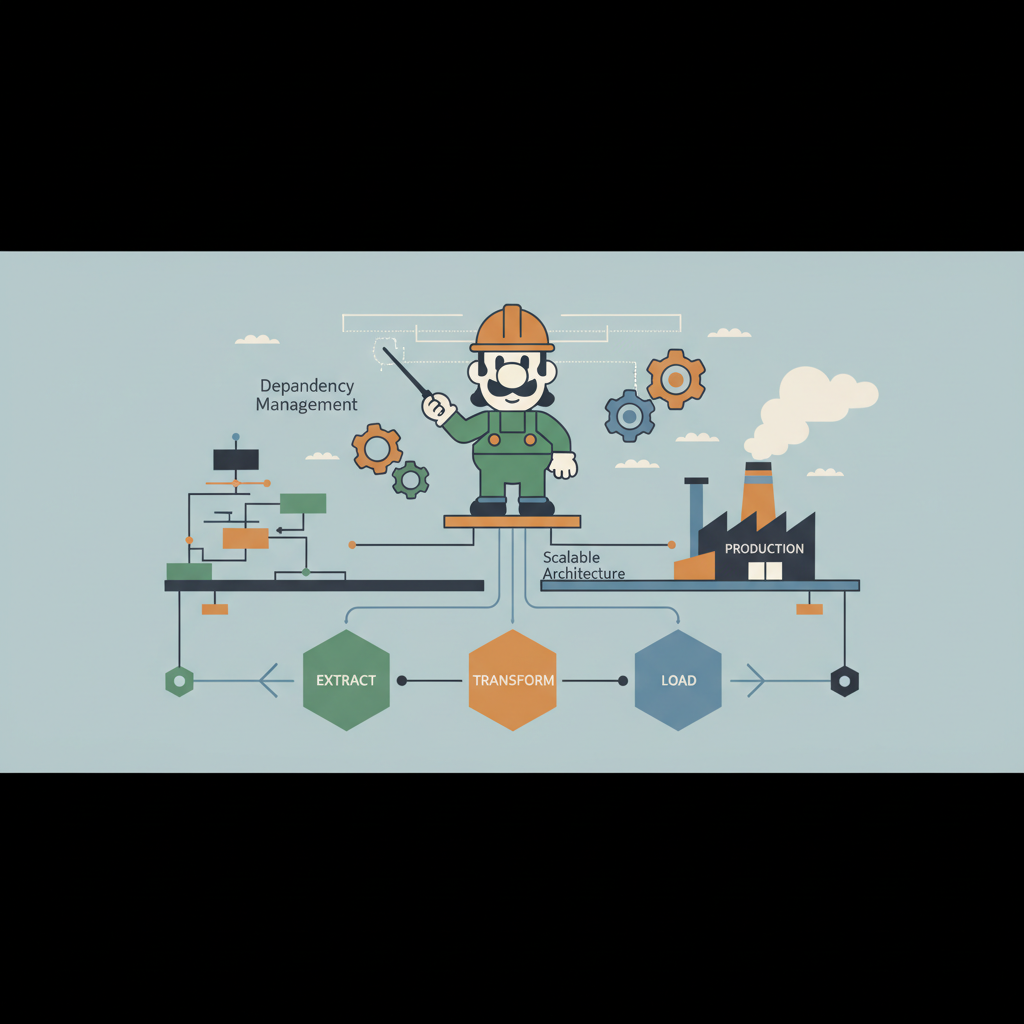
TL;DR — Luigi lets you model complex data pipelines as a directed acyclic graph of tasks. By externalizing the scheduler, using worker farms, and wiring in monitoring, you can turn a prototype into a production‑ready, horizontally scalable workflow that survives failures and provides clear visibility.
In modern data engineering, the gap between a proof‑of‑concept notebook and a reliable, continuously running pipeline is often the orchestration layer. Luigi, an open‑source Python library from Spotify, offers a lightweight yet powerful way to define task dependencies, schedule work, and integrate with existing data stacks. This post walks through the architectural decisions, concrete patterns, and operational tooling you need to run Luigi at scale in a production environment.
Why Choose Luigi for Orchestration?
- Explicit Dependency Graph – Each task declares its inputs and outputs, allowing Luigi to build a DAG automatically. This eliminates hidden runtime ordering bugs.
- Python‑First – If your ETL logic lives in Python, you avoid the context‑switch required by Java‑centric tools.
- Pluggable Scheduler – The central scheduler is a thin HTTP service; you can run it on a single node or scale it with HA proxies.
- Rich Target System – Built‑in targets for HDFS, S3, PostgreSQL, and more let you treat external storage as first‑class citizens.
Production teams often start with Airflow because of its UI, but Luigi’s minimal runtime footprint and focus on deterministic tasks make it a better fit for batch‑heavy workloads where latency is less critical than correctness.
Core Concepts: Tasks, Targets, and Dependencies
Tasks
A Luigi Task is a Python class that implements three methods:
import luigi
from luigi.contrib.s3 import S3Target

class ExtractUserEvents(luigi.Task):
    date = luigi.DateParameter(default=luigi.date.today)

    def output(self):
        # Output is a Target that Luigi can check for existence
        return S3Target(f"s3://my-bucket/events/{self.date}.json")

    def run(self):
        # Business logic that writes to the target
        data = fetch_events_from_api(self.date)
        with self.output().open('w') as f:
            f.write(json.dumps(data))
output()returns one or more Targets that represent the state of the task.run()contains the actual work; it should be idempotent because Luigi may retry it.
Targets
Targets abstract away storage details. Common built‑ins include:
| Target Type | Typical Use | Example |
|---|---|---|
luigi.LocalTarget | Local filesystem files | LocalTarget("/tmp/report.csv") |
luigi.contrib.s3.S3Target | Amazon S3 objects | S3Target("s3://bucket/key") |
luigi.contrib.postgres.PostgresTarget | Rows in a PostgreSQL table | PostgresTarget(table="analytics.events") |
A task is considered complete when all its outputs exist and pass any optional exists() checks.
Dependencies
Dependencies are declared via requires():
class TransformUserEvents(luigi.Task):
    date = luigi.DateParameter()

    def requires(self):
        return ExtractUserEvents(date=self.date)

    def output(self):
        return S3Target(f"s3://my-bucket/cleaned/{self.date}.parquet")

    def run(self):
        raw = self.input().open('r')
        cleaned = transform(json.load(raw))
        with self.output().open('wb') as out:
            out.write(parquet_dump(cleaned))
Luigi traverses the DAG, running ExtractUserEvents before TransformUserEvents. Circular dependencies raise an exception at graph construction time, preventing runaway pipelines.
Architecture of a Production Luigi Pipeline
High‑Level Diagram
+-------------------+       +-------------------+       +-------------------+
|   Scheduler (API) |<----->|   Worker Nodes    |<----->|   Data Sources    |
+-------------------+       +-------------------+       +-------------------+
        ^   ^                     ^   ^                     ^   ^
        |   |                     |   |                     |   |
   UI/CLI   REST API          Task Queue   Metrics          Kafka, S3,
- Scheduler – Central service that stores task states in a MySQL/PostgreSQL backend. It exposes a REST API, a web UI, and a heartbeat endpoint for workers.
- Workers – Stateless processes that poll the scheduler for ready tasks, execute
run(), and report status. - Data Sources – Any external system (Kafka, S3, BigQuery) that tasks read from or write to.
Scheduler Persistence
Luigi’s default SQLite backend is fine for local development, but production requires a robust RDBMS. Example luigid.cfg snippet:
[core]
default-scheduler-host = scheduler.mycompany.com
default-scheduler-port = 8082

[database]
connection = mysql://luigi_user:strong_password@db-host:3306/luigi_db
Using MySQL ensures:
- Transactional updates to task state.
- Ability to run multiple scheduler instances behind a load balancer for HA (see “Active‑Passive Scheduler” pattern below).
Worker Farm
Instead of a single worker, launch a pool of containers (Docker, Kubernetes pods, or EC2 instances). Each worker runs:
luigid --background &
luigi --module mypipeline MasterPipeline --workers 8 --local-scheduler=False
Key knobs:
| Flag | Effect |
|---|---|
--workers N | Number of concurrent tasks per process. |
--local-scheduler=False | Force use of the central scheduler. |
--scheduler-host | Override default host for testing. |
In Kubernetes, a Deployment with replicas: 5 and a HorizontalPodAutoscaler based on CPU or queue length can automatically scale the farm.
Patterns in Production
1. Parameterization and Dynamic Dates
Production pipelines often run daily, hourly, or on ad‑hoc windows. Luigi’s DateParameter, IntParameter, and DictParameter let you inject runtime values without code changes.
class DailyAggregations(luigi.WrapperTask):
    run_date = luigi.DateParameter(default=luigi.date.today)

    def requires(self):
        return [
            TransformUserEvents(date=self.run_date),
            ComputeMetrics(date=self.run_date),
        ]
The wrapper task groups related subtasks, making it easy to trigger a full daily run with a single CLI command.
2. Retry and Failure Policies
Luigi retries a task automatically up to retry_count (default 3). For flaky external APIs, you can customize back‑off:
class ExtractFromAPI(luigi.Task):
    max_retries = 5
    retry_delay = 300  # seconds

    def run(self):
        try:
            # network call
        except TemporaryError as e:
            raise self.retry(e)
3. Idempotent Design
Because Luigi may re‑run a task on failure, all run() implementations must be safe to execute multiple times. Patterns:
- Write to a temporary file, then atomically rename.
- Use
INSERT ... ON CONFLICT DO NOTHINGfor Postgres writes. - Leverage S3’s versioning to avoid overwriting good data.
4. Scheduling with Cron and Central Scheduler
While Luigi does not ship a native cron, you can use external schedulers (Airflow, cron, GitHub Actions) to invoke Luigi’s CLI on a regular cadence. Example systemd timer:
[Unit]
Description=Run Luigi daily pipeline

[Timer]
OnCalendar=*-*-* 02:00:00
Persistent=true

[Service]
Type=oneshot
ExecStart=/usr/local/bin/luigi --module mypipeline DailyAggregations --workers 10
The timer guarantees the pipeline starts at 2 AM UTC every day.
5. Handling Large DAGs
When a pipeline has hundreds of tasks, the scheduler’s UI can become sluggish. Mitigation strategies:
- Chunking – Split the DAG into logical sub‑pipelines using
WrapperTask. - Task Priorities – Assign
priorityvalues; the scheduler picks higher‑priority tasks first. - Database Indexes – Ensure the
task_idandstatuscolumns are indexed in the MySQL schema.
Scaling Luigi: Workers, Central Scheduler, and Horizontal Scaling
Active‑Passive Scheduler Pair
Deploy two scheduler containers behind a TCP load balancer. Only one holds the write lock; the standby reads from the DB and serves UI traffic. In case of failure, the balancer redirects traffic to the healthy instance. The luigid daemon supports a --scheduler-host flag to point workers at the virtual IP.
Worker Autoscaling
Kubernetes HPA example:
apiVersion: autoscaling/v2beta2
kind: HorizontalPodAutoscaler
metadata:
  name: luigi-worker-hpa
spec:
  scaleTargetRef:
    apiVersion: apps/v1
    kind: Deployment
    name: luigi-worker
  minReplicas: 2
  maxReplicas: 20
  metrics:
  - type: External
    external:
      metric:
        name: luigi_pending_tasks
      target:
        type: AverageValue
        averageValue: "5"
The custom metric luigi_pending_tasks is exported by a small sidecar that queries the scheduler’s /api/graph endpoint.
Resource Isolation
- CPU/Memory Limits – Prevent a runaway task from starving others.
- Dedicated Queue – Use
--queueflag to separate high‑priority ETL from low‑priority reporting jobs.
Monitoring, Logging, and Alerting
Scheduler Metrics
Luigi’s built‑in metrics endpoint (/metrics) emits Prometheus‑compatible counters:
luigi_tasks_success_totalluigi_tasks_failed_totalluigi_task_running
Scrape these with Prometheus and create alerts:
- alert: LuigiTaskFailure
  expr: increase(luigi_tasks_failed_total[5m]) > 0
  for: 2m
  labels:
    severity: critical
  annotations:
    summary: "Luigi task {{ $labels.task_name }} failed"
    description: "Check the scheduler UI for stack traces."
Centralized Logging
Configure each worker to forward stdout/stderr to a log aggregation service (e.g., Loki, Elasticsearch). Include the task ID in the log line:
import logging, sys
logger = logging.getLogger('luigi')
handler = logging.StreamHandler(sys.stdout)
formatter = logging.Formatter('%(asctime)s %(task_id)s %(levelname)s %(message)s')
handler.setFormatter(formatter)
logger.addHandler(handler)
logger.setLevel(logging.INFO)
UI Dashboards
The default Luigi UI provides a DAG view, but for enterprise visibility you can embed the /graph JSON into Grafana panels, overlaying task latencies and success rates.
Key Takeaways
- Explicit DAGs: Declare inputs/outputs with
Targets; Luigi guarantees correct ordering. - Production Scheduler: Use MySQL/PostgreSQL, run scheduler in active‑passive mode, and expose Prometheus metrics.
- Worker Farms: Deploy stateless workers behind a load balancer; autoscale via Kubernetes HPA or cloud‑native equivalents.
- Idempotency & Retries: Design
run()to be safe for repeated execution and configure sensible retry/back‑off policies. - Observability: Export metrics, centralize logs, and monitor task health with alerts to keep pipelines reliable.