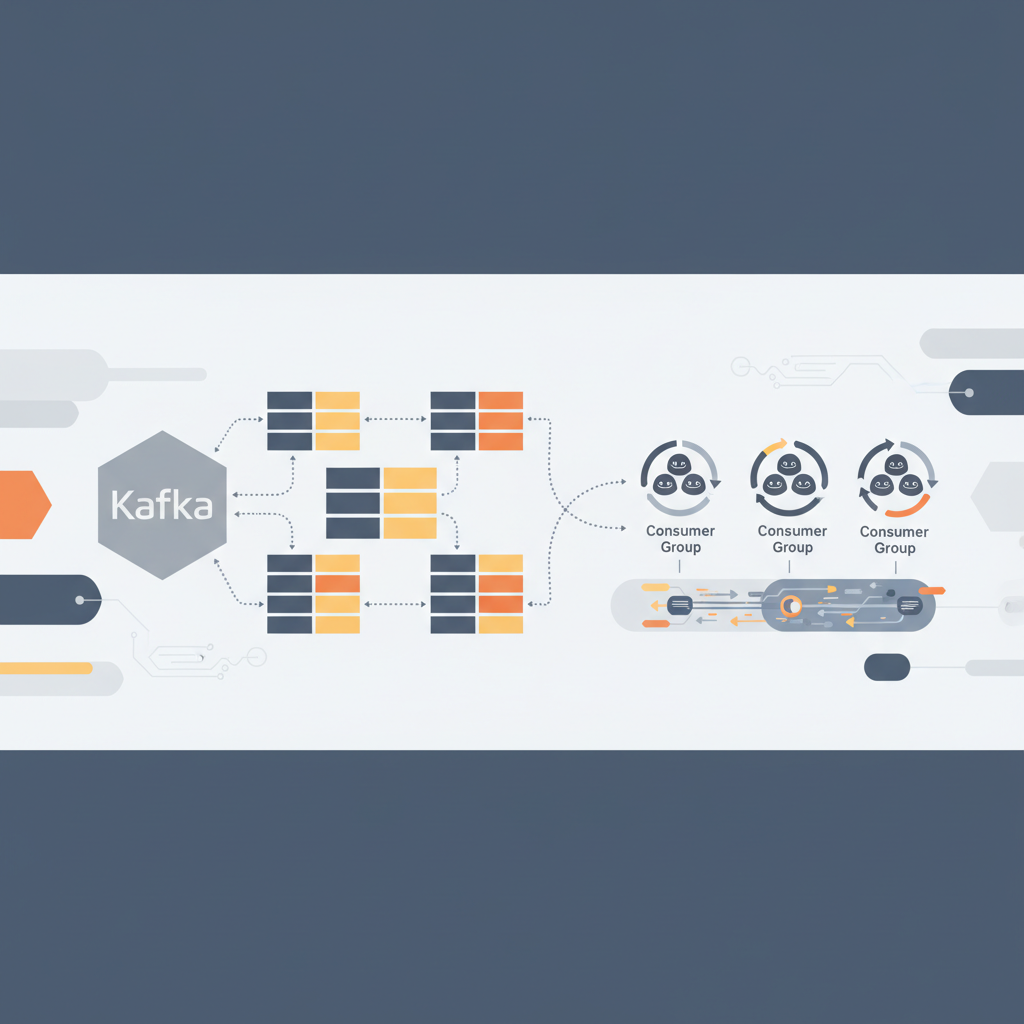
TL;DR — Choosing the right partition count and configuring consumer group rebalancing are the two levers that keep Kafka pipelines scalable and stable. Follow the patterns below to avoid thundering‑herd failures, achieve predictable throughput, and ship production‑ready data streams.
Kafka has become the de‑facto backbone for event‑driven architectures, yet many teams stumble when they move from a toy topic with a single partition to a multi‑partition, multi‑consumer‑group deployment that serves millions of events per second. This post walks through the math, the configuration knobs, and the production patterns you need to master topic partitioning and consumer‑group rebalancing, with concrete code snippets, metrics to watch, and real‑world failure‑mode mitigations.
Fundamentals of Topic Partitioning
Why Partition Matters
A Kafka partition is the unit of parallelism. Each partition lives on a single broker, is ordered, and can be consumed by at most one thread in a consumer group at any given time. The three main reasons to increase partition count are:
- Throughput scaling – More partitions allow more broker I/O threads and more consumer threads to read in parallel.
- Fault isolation – If a single partition becomes a hotspot (e.g., due to key skew), the impact is limited to the broker that owns it.
- Consumer parallelism – Consumer groups can only have as many active members as there are partitions; extra members sit idle.
However, each additional partition adds overhead: more open file handles, larger index files, and higher replication traffic. The sweet spot is therefore a function of expected QPS, message size, and cluster topology.
Choosing Partition Count
A pragmatic rule of thumb often quoted by the Confluent engineering team is:
“Aim for a partition size of 100 MiB–1 GiB at peak load; then compute the number of partitions needed to keep each partition under that size.”
— as described in the Confluent best‑practice guide
To translate that into a concrete calculation, consider a topic that ingests 500 MiB/s of 1 KB messages:
messages_per_second = 500 MiB / 1 KB = 500 000 messages/s
target_partition_size = 500 MiB   # 0.5 GiB per partition
seconds_per_partition = target_partition_size / 500 MiB ≈ 1 second
If you want each partition to hold roughly one second of data, you would need 500,000 partitions—clearly unrealistic. Instead, you pick a larger target size (e.g., 10 GiB) and adjust:
target_partition_size = 10 GiB
seconds_per_partition = 10 GiB / 500 MiB ≈ 20 seconds
required_partitions = total_data_per_day / target_partition_size
In practice, most production teams settle on 50–200 partitions per topic for high‑throughput streams, scaling up only after measuring broker CPU, network, and disk latency.
Key Design Decisions
| Decision | Recommended Approach | Why |
|---|---|---|
| Key selection | Use a hash of business‑critical fields (e.g., user_id) to guarantee ordering per entity. | Preserves per‑key order while distributing load. |
| Static vs. dynamic partitions | Start with a static count; enable auto‑topic‑creation only for dev environments. | Prevents accidental explosion of partitions in prod. |
| Replication factor | Minimum 3 for HA; 5 for cross‑region clusters. | Balances durability with network overhead. |
| Log compaction | Enable on topics that represent state (e.g., latest profile). | Reduces storage while keeping the most recent record per key. |
Consumer Groups and Rebalancing
Rebalancing Protocol
When a consumer joins or leaves a group, Kafka triggers a rebalance to redistribute partitions. The default protocol (RangeAssignor) works well for evenly sized partitions, but it can cause load imbalance when partitions have disparate traffic.
The Cooperative Sticky Assignor (available since Kafka 2.4) mitigates this by:
- Keeping existing assignments as long as possible.
- Moving only the minimum number of partitions needed.
- Allowing incremental rebalancing, which reduces pause time.
Enable it via the consumer config:
Properties props = new Properties();
props.put("group.id", "order-processing");
props.put("bootstrap.servers", "kafka-broker-1:9092");
props.put("key.deserializer", "org.apache.kafka.common.serialization.StringDeserializer");
props.put("value.deserializer", "org.apache.kafka.common.serialization.StringDeserializer");
props.put("partition.assignment.strategy", "org.apache.kafka.clients.consumer.CooperativeStickyAssignor");
Common Failure Modes
| Failure Mode | Symptom | Mitigation |
|---|---|---|
| Thundering herd during rebalance | All consumers pause, latency spikes to minutes. | Use CooperativeStickyAssignor, increase session.timeout.ms, and set max.poll.interval.ms appropriately. |
| Partition starvation | A consumer receives no partitions after rebalance. | Ensure partition.assignment.strategy respects consumer capacity; consider using RackAwareAssignor for multi‑AZ clusters. |
| Rebalance storms | Frequent joins/leaves (e.g., autoscaling) cause repeated rebalances. | Deploy static membership (group.instance.id) for long‑lived consumers; use incremental rebalancing. |
| Data loss on rebalance | Offsets not committed before pause, leading to duplicate processing. | Enable idempotent producers and transactional consumption (enable.auto.commit=false, commit after processing). |
Static Membership Example (Java)
props.put("group.instance.id", "order-processor-01"); // unique per instance
By assigning a stable group.instance.id, the broker treats the consumer as a static member, preventing unnecessary rebalances when the underlying pod restarts with the same ID.
Architecture Patterns for Production Pipelines
Dual‑Write for Idempotency
A common pattern in high‑availability systems is to write to Kafka and a downstream store atomically using the outbox pattern. The flow looks like:
- Application writes a DB row within a transaction.
- Same transaction inserts an “outbox” record.
- A background daemon reads the outbox table and publishes to Kafka.
- Consumer processes the event and updates the downstream store.
This guarantees exactly‑once semantics without relying on Kafka’s transactional API alone, which can be heavyweight for micro‑services.
Sample Outbox Table (PostgreSQL)
CREATE TABLE outbox (
    id BIGSERIAL PRIMARY KEY,
    aggregate_id UUID NOT NULL,
    payload JSONB NOT NULL,
    created_at TIMESTAMP WITH TIME ZONE DEFAULT now(),
    processed BOOLEAN DEFAULT FALSE
);
The daemon can be a simple Spring Boot app that polls the table, marks rows as processed = TRUE after successful publish, and commits the offset in the same DB transaction.
Exactly‑Once Processing with Kafka Transactions
If you prefer a pure‑Kafka solution, enable transactional producers and read‑process‑write consumers:
// Producer side
props.put("transactional.id", "order-producer-01");
KafkaProducer<String, String> producer = new KafkaProducer<>(props);
producer.initTransactions();
producer.beginTransaction();
producer.send(new ProducerRecord<>("orders", key, value));
producer.commitTransaction();
// Consumer side (Java)
props.put("isolation.level", "read_committed");
KafkaConsumer<String, String> consumer = new KafkaConsumer<>(props);
consumer.subscribe(Collections.singletonList("orders"));
while (true) {
    ConsumerRecords<String, String> records = consumer.poll(Duration.ofMillis(100));
    // Process records...
    consumer.commitSync(); // commits offsets within the transaction
}
Caveat: Transactions increase latency and require idempotent brokers (transaction.state.log.replication.factor >= 3). Use them only when exactly‑once guarantees outweigh the performance cost.
Scaling Consumers with KStreams
Kafka Streams abstracts many rebalancing concerns by managing state stores locally and handling standby replicas. A typical pipeline:
StreamsBuilder builder = new StreamsBuilder();
KStream<String, Order> orders = builder.stream("orders", Consumed.with(Serdes.String(), orderSerde));
orders.filter((k, v) -> v.getAmount() > 1000)
      .to("high-value-orders", Produced.with(Serdes.String(), orderSerde));
KafkaStreams streams = new KafkaStreams(builder.build(), streamsConfig);
streams.start();
Because each task owns a partition, rebalancing is limited to task migration, which is faster than full consumer group rebalances.
Monitoring and Alerting
Metrics to Watch
| Metric | Typical Threshold | Action |
|---|---|---|
kafka.server.ReplicaManager.MaxLagMs | < 200 ms | Investigate broker lag or network congestion. |
consumer.fetch.manager.bytes-consumed-rate | N/A (trend) | Sudden drop signals rebalance or consumer crash. |
consumer.coordinator.rebalance.time.max | < 5 s | Tune session.timeout.ms or assignor. |
topic.partition.log-end-offset vs consumer.current-offset | Gap > 10 min | Alert on consumer slowdown or stuck partitions. |
producer.transaction.abort-rate | > 0.01% | Review transactional usage; may indicate broker instability. |
All these metrics are exposed via JMX and can be scraped by Prometheus. Example PromQL for rebalance duration:
max_over_time(kafka_consumer_coordinator_rebalance_time_max{group="order-processing"}[5m])
Alert Thresholds
- Critical: Rebalance time > 30 s for more than 2 consecutive minutes.
- Warning: Consumer lag > 5 min on any partition for > 3 minutes.
- Info: Partition count change detected (via
kafka_topic_partition_countmetric).
Key Takeaways
- Partition count is the primary lever for scaling; size partitions to keep per‑partition load manageable while limiting overhead.
- Prefer Cooperative Sticky Assignor and static membership to avoid costly rebalances in autoscaling environments.
- Use the outbox pattern for idempotent, exactly‑once pipelines when transactional Kafka adds too much latency.
- Monitor rebalance latency, consumer lag, and replica lag; set tight alerts to catch storms before they impact SLAs.
- Leverage Kafka Streams or KSQL for stateful processing; they handle many rebalancing edge cases automatically.