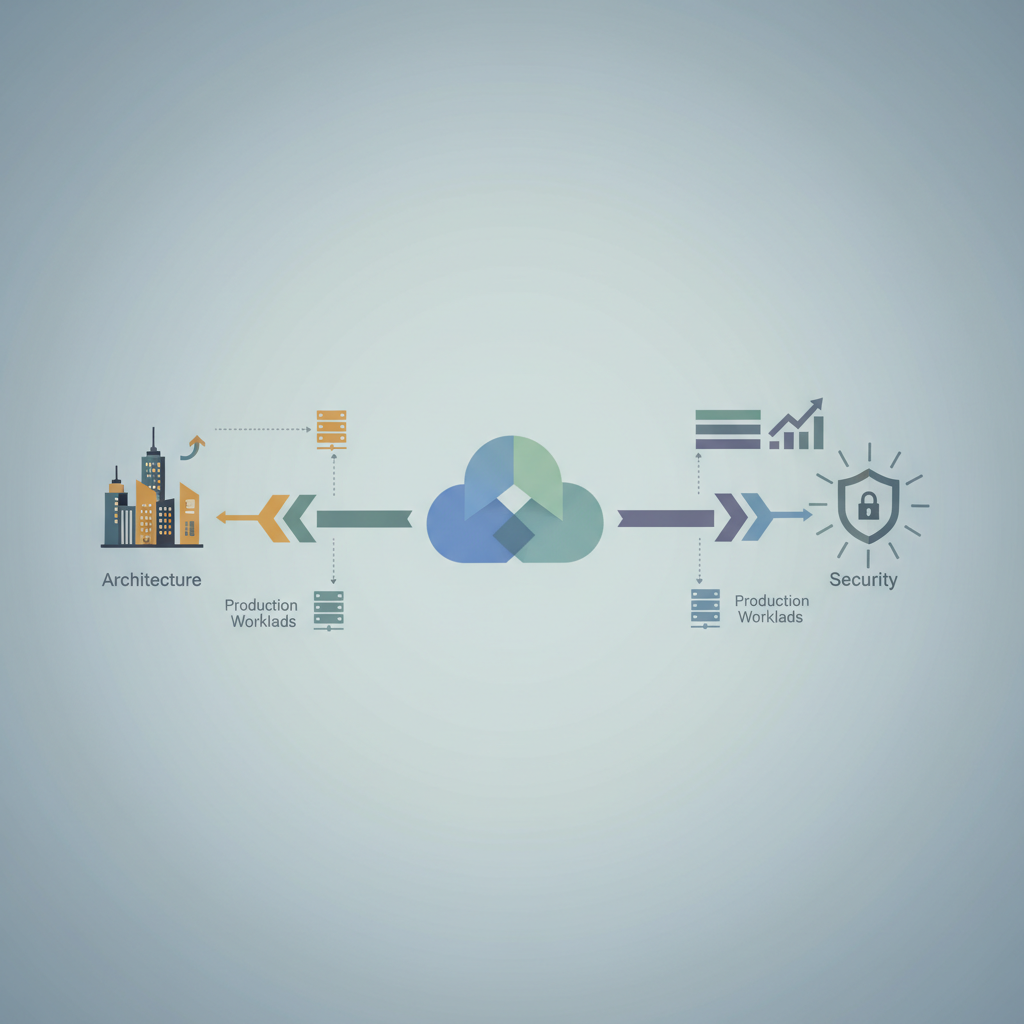
TL;DR — Building production‑grade workloads on GCP demands a clear service decomposition, autoscaling baked into the design, and security enforced at every layer. This post walks through concrete patterns, real‑world Terraform examples, and the GCP‑specific controls you need to ship reliably at scale.
Google Cloud Platform (GCP) offers a rich catalog of managed services, but turning that catalog into a resilient, performant, and secure production system is non‑trivial. In this article we’ll walk through a full‑stack architecture, from high‑level service boundaries to the nitty‑gritty of IAM policies and cost‑aware autoscaling. The focus is on patterns you can copy into your own Terraform pipelines and CI/CD workflows, with concrete code snippets and links to the official docs.
Service Architecture on GCP
Decomposing into Managed Services
The first design decision is what to own versus what to consume. In production environments the rule of thumb is: if Google offers a fully‑managed, SLA‑backed alternative, use it. This reduces operational overhead and lets you focus on business logic.
| Legacy Component | Managed GCP Equivalent | Typical SLA |
|---|---|---|
| Self‑hosted PostgreSQL | Cloud SQL (PostgreSQL) | 99.95% |
| Custom Kafka cluster | Pub/Sub (topic‑partition model) | 99.9% |
| In‑house Redis cache | Memorystore (Redis) | 99.9% |
| VM‑based batch workers | Cloud Run (fully managed) | 99.95% |
By moving to these services you gain:
- Automatic patching – Google handles OS and service updates.
- Built‑in high availability – Multi‑zone replication is configured by default.
- Reduced ops toil – No need to manage instance lifecycles.
When you decompose, keep the bounded context principle from Domain‑Driven Design. Each microservice should own a single logical domain and interact with others via event‑driven or API‑gateway patterns.
# Example Terraform module layout
services/
├── user-profile/
│   ├── main.tf          # Cloud Run service, Cloud SQL instance, IAM
│   └── variables.tf
├── order-processing/
│   ├── main.tf          # Pub/Sub topics, Cloud Functions, Secret Manager
│   └── variables.tf
└── shared-infra/
    ├── network.tf       # VPC, subnets, firewall
    └── monitoring.tf    # Cloud Monitoring alerts, Log sinks
Choosing the Right Compute Layer
GCP provides three primary compute abstractions for stateless workloads:
| Layer | Ideal Use‑Case | Pricing Model |
|---|---|---|
| Cloud Run | HTTP‑centric services, bursty traffic, sub‑second latency | Per‑request (vCPU‑seconds, GB‑seconds) |
| Google Kubernetes Engine (GKE) | Stateful containers, complex networking, custom runtimes | Node‑hour based, plus autoscaler |
| Compute Engine | Legacy monoliths, need for custom kernel modules | Per‑second VM billing |
A pragmatic production stack often mixes Cloud Run for front‑end APIs (fast scaling, zero‑idle cost) and GKE for background workers that need persistent storage or custom sidecars. The rule of thumb: If the service can run in a sandboxed, HTTP‑only environment, put it on Cloud Run.
# Deploy a container to Cloud Run with zero‑downtime traffic split
gcloud run deploy order-api \
  --image=gcr.io/my-project/order-api:latest \
  --region=us-central1 \
  --platform=managed \
  --allow-unauthenticated \
  --set-env-vars=ENV=prod \
  --max-instances=1000 \
  --cpu=1 --memory=512Mi
Data Store Patterns
Production workloads rarely rely on a single datastore. Common patterns include:
- CQRS (Command Query Responsibility Segregation) – Writes go to Cloud SQL; reads hit BigQuery for analytical queries or Cloud Spanner for globally consistent reads.
- Event Sourcing – Store immutable events in Pub/Sub or Cloud Storage, replay them to rebuild state.
- Cache‑Aside – Use Memorystore as a read‑through cache, with Cloud SQL as the source of truth.
Below is a minimal Cloud SQL + Memorystore cache‑aside snippet in Python:
import psycopg2
import redis

pg_conn = psycopg2.connect(
    host="/cloudsql/PROJECT:REGION:INSTANCE",
    dbname="orders",
    user="app_user",
    password="***"
)
cache = redis.Redis(host='10.0.0.5', port=6379)

def get_order(order_id):
    key = f"order:{order_id}"
    cached = cache.get(key)
    if cached:
        return cached.decode()
    with pg_conn.cursor() as cur:
        cur.execute("SELECT data FROM orders WHERE id = %s", (order_id,))
        row = cur.fetchone()
        if row:
            cache.setex(key, 300, row[0])  # 5‑minute TTL
            return row[0]
    return None
Scalability Patterns
Autoscaling with Cloud Run and GKE
Cloud Run offers concurrency control and max‑instances limits. Setting a modest --concurrency=80 lets a single container handle many requests, reducing cold starts. Combine this with CPU allocation (--cpu=2) for CPU‑bound workloads.
For GKE, the Cluster Autoscaler reacts to pending pods, while the Horizontal Pod Autoscaler (HPA) scales deployments based on CPU, memory, or custom metrics (e.g., Pub/Sub backlog).
apiVersion: autoscaling/v2
kind: HorizontalPodAutoscaler
metadata:
  name: order-processor
spec:
  scaleTargetRef:
    apiVersion: apps/v1
    kind: Deployment
    name: order-processor
  minReplicas: 2
  maxReplicas: 50
  metrics:
  - type: Pods
    pods:
      metric:
        name: pubsub_backlog
      target:
        type: AverageValue
        averageValue: "100"
Traffic Splitting and Canary Deployments
GCP’s Cloud Deploy and Traffic Director support gradual rollouts. A typical canary workflow:
- Deploy new container version to a staging Cloud Run service.
- Use
gcloud run services update-trafficto split 5 % of traffic to the new revision. - Observe latency & error rates via Cloud Monitoring.
- Ramp to 100 % if metrics stay within SLOs.
gcloud run services update-traffic order-api \
  --to-revisions=order-api-00002=5,order-api-00001=95
Cost‑Effective Scaling with Cloud Pub/Sub
Pub/Sub decouples producers and consumers, allowing each side to scale independently. Use pull subscriptions with flow control to avoid over‑provisioning workers.
from google.cloud import pubsub_v1

subscriber = pubsub_v1.SubscriberClient()
subscription_path = subscriber.subscription_path('my-project', 'order-sub')

def callback(message):
    # Process order
    try:
        handle_order(message.data)
        message.ack()
    except Exception:
        message.nack()

streaming_pull_future = subscriber.subscribe(
    subscription_path, callback=callback,
    flow_control=pubsub_v1.types.FlowControl(max_messages=10)
)
By capping max_messages, you let the subscription back‑pressure the publisher, which can reduce unnecessary scaling spikes.
Security in Production
Identity and Access Management (IAM)
Principle of least privilege (PoLP) is enforced via custom roles and service accounts. Avoid using the default Compute Engine service account; create a dedicated one per microservice.
{
  "roleId": "orderProcessor",
  "includedPermissions": [
    "pubsub.subscriptions.consume",
    "cloudsql.instances.connect",
    "logging.logEntries.create"
  ]
}
Assign the role to the service account:
gcloud iam service-accounts create order-processor-sa \
  --display-name="Order Processor Service Account"

gcloud projects add-iam-policy-binding my-project \
  --member="serviceAccount:order-processor-sa@my-project.iam.gserviceaccount.com" \
  --role="projects/my-project/roles/orderProcessor"
VPC Service Controls
For highly regulated workloads, VPC Service Controls create a security perimeter around GCP services, preventing data exfiltration even if credentials are compromised.
gcloud access-context-manager perimeters create prod-perimeter \
  --title="Production Perimeter" \
  --resources=projects/my-project \
  --restricted-services=storage.googleapis.com,bigquery.googleapis.com
Combine this with Private Google Access and VPC‑native Cloud SQL to keep traffic off the public internet.
Secret Management
Never hard‑code credentials. Use Secret Manager with automatic rotation for service‑account keys and database passwords.
gcloud secrets create db-password \
  --replication-policy="automatic"

gcloud secrets versions add db-password \
  --data-file=- <<EOF
$(openssl rand -base64 32)
EOF
Applications fetch secrets at runtime:
import "cloud.google.com/go/secretmanager/apiv1"

func getSecret(name string) (string, error) {
    ctx := context.Background()
    client, err := secretmanager.NewClient(ctx)
    if err != nil { return "", err }
    accessReq := &secretmanagerpb.AccessSecretVersionRequest{
        Name: fmt.Sprintf("projects/%s/secrets/%s/versions/latest", projectID, name),
    }
    result, err := client.AccessSecretVersion(ctx, accessReq)
    if err != nil { return "", err }
    return string(result.Payload.Data), nil
}
Production‑Ready Architecture Blueprint
Below is a high‑level diagram (conceptual) that ties together the patterns discussed:
- Ingress – Cloud HTTP(S) Load Balancer → Cloud Run (API layer)
- Auth – Cloud Identity‑Aware Proxy (IAP) → IAM‑protected endpoints
- Business Logic – Cloud Run for request handling, GKE for background workers
- Messaging – Pub/Sub topics for event bus, with dead‑letter topics
- Data – Cloud SQL (transactional), BigQuery (analytics), Memorystore (cache)
- Observability – Cloud Monitoring dashboards, Alerting policies, Cloud Trace
- Security – VPC Service Controls, Secret Manager, Audit Logging
The Terraform skeleton for this blueprint is available in the official Google Cloud Architecture Framework repository, which you can fork and adapt.
Key Takeaways
- Leverage managed services (Cloud Run, Pub/Sub, Cloud SQL) to reduce operational burden and gain built‑in SLAs.
- Design for autoscaling: set appropriate concurrency, use HPA/Cluster Autoscaler, and cap max instances to control cost.
- Adopt event‑driven patterns (Pub/Sub, Cloud Tasks) to decouple services and enable independent scaling.
- Enforce security at every layer: custom IAM roles, VPC Service Controls, and Secret Manager with rotation.
- Implement canary releases and traffic splitting to validate changes against real traffic before full rollout.
- Instrument thoroughly: Cloud Monitoring, Logging, and Trace provide the data needed to meet SLOs and detect anomalies early.
Further Reading
- Google Cloud Architecture Framework – Comprehensive guide on designing secure, resilient GCP solutions.
- Cloud Run Documentation – Details on deployment, scaling, and traffic management.
- Security Best Practices for GCP – Official recommendations for IAM, VPC Service Controls, and data protection.