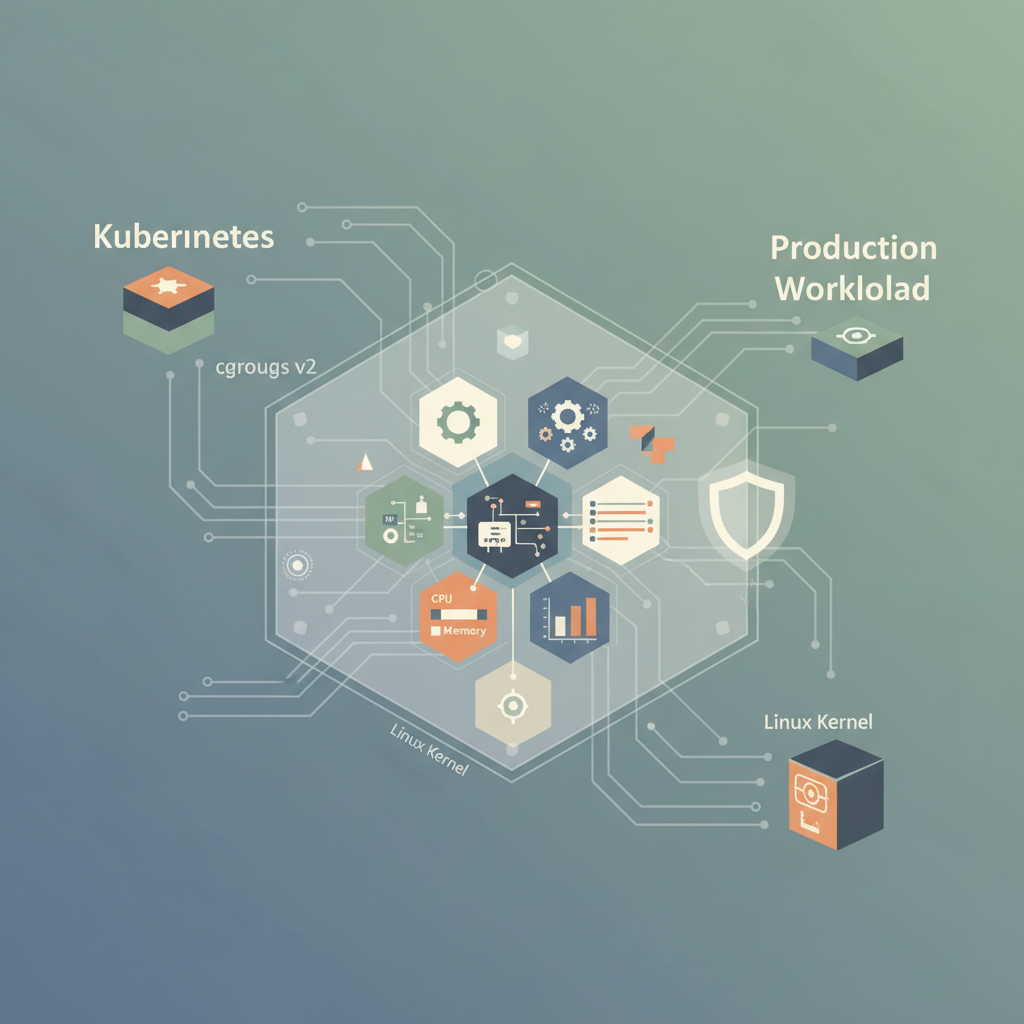
TL;DR — cgroups v2 gives you a single unified hierarchy, precise controller knobs, and tighter integration with systemd. By designing a clear hierarchy, selecting the right controllers, and wiring observability, you can safely run multi‑tenant workloads at scale.
Resource isolation is no longer a nice‑to‑have; it’s a production prerequisite. Whether you’re running a Kubernetes node, a high‑frequency trading engine, or a SaaS platform that hosts dozens of customer containers, the ability to guarantee CPU, memory, I/O, and even network bandwidth per workload can mean the difference between SLA compliance and cascading failures. This post walks through the internals of cgroups v2, shows how to map those internals to real‑world architectures, and provides concrete implementation steps that you can copy‑paste into your own CI/CD pipelines.
Why cgroups v2 Matters
cgroups (control groups) have been part of the Linux kernel since 2007, but the original v1 implementation suffered from three systemic issues that made large‑scale production use cumbersome:
- Fragmented hierarchies – each controller (cpu, memory, blkio, etc.) could be mounted on a different hierarchy, leading to inconsistent enforcement.
- Controller interdependence – enabling one controller could silently disable another, causing surprising “resource‑exhaustion” errors.
- Limited introspection – many metrics were only exposed via raw files in
/sys/fs/cgroup, requiring custom parsers.
cgroups v2, merged into the mainline kernel in 2016 and default‑enabled on most distributions since 2021, resolves these pain points:
- Unified hierarchy – a single tree hosts all enabled controllers, guaranteeing that a process belongs to the same set of limits.
- Threaded controller model – each controller is a first‑class object that can be enabled per‑cgroup, avoiding hidden incompatibilities.
- Rich accounting – built‑in per‑cgroup statistics for CPU, memory, I/O, and pressure stall information (PSI) are directly readable, making monitoring straightforward.
In production, the unified hierarchy simplifies policy enforcement: you can attach a single cgroup to a pod, a VM, or a user session and be confident that every resource dimension is bounded.
Core Concepts of cgroups v2
Before we jump into architecture, let’s recap the most relevant primitives:
| Concept | Path | Typical Use |
|---|---|---|
| cgroup subtree | /sys/fs/cgroup/<name>/ | Logical grouping of processes (e.g., a Kubernetes pod). |
| Controller | cpu.max, memory.max, io.max, pids.max | Enables a specific resource knob. |
| Threaded vs. leaf cgroup | cgroup.type = threaded or leaf | threaded for delegating to child cgroups; leaf for actual workload. |
| Pressure Stall Information (PSI) | cpu.pressure, memory.pressure | Quantifies how often the kernel is stalled on a resource. |
| Unified mount | mount -t cgroup2 none /sys/fs/cgroup | Single entry point for all controllers. |
Key file formats:
- cpu.max –
<max> <period>where<max>can bemax(unlimited) or a microsecond value. Example:200000 1000000→ 20 % of a single CPU. - memory.max – byte limit,
maxfor unlimited. - io.max –
dev <major:minor> rbps=... wbps=...to throttle block devices.
Understanding these files is essential because all production tooling (systemd, kubelet, Docker, podman) ultimately writes to them. The following sections show how to manipulate them safely.
Architecture Patterns for Production
Hierarchy Design
A well‑designed hierarchy mirrors your organizational or tenancy boundaries. A common pattern in a Kubernetes node looks like this:
/sys/fs/cgroup/
├─ kubepods.slice
│  ├─ pod-<uid>.slice
│  │  ├─ containerd-<id>.scope
│  │  └─ pause-<id>.scope
│  └─ pod-<uid>.slice
│     └─ …
└─ user.slice
   └─ user-1000.slice
- Each pod gets its own leaf cgroup (
pod-<uid>.slice). - Inside, containers are represented by
containerd‑*.scopeleaf cgroups. - The pause container (the pod infra) sits alongside real containers, ensuring the pod’s network namespace stays alive.
Why this works: The slice hierarchy is enforced by systemd, which automatically propagates the enabled controllers from parent to child. If you enable cpu and memory at kubepods.slice, every pod and container inherits those controllers, and you can still override per‑pod limits by writing into the child cgroup files.
Example: Adding a “high‑priority” slice
# Create a new slice for latency‑critical workloads
sudo systemd-run --unit=highprio.slice --property=CPUQuotaPerSecUSec=50000 \
    --property=MemoryMax=4G --scope
# Verify the slice appears
tree /sys/fs/cgroup/highprio.slice
Now you can drop any pod into this slice via the systemd drop‑in:
# /etc/systemd/system/kubelet.service.d/99-highprio.conf
[Service]
Slice=highprio.slice
All pods started by the kubelet after the reload will inherit the stricter CPU quota (5 % of a single core) and a 4 GiB memory ceiling.
Controller Selection
Not every controller is needed for every workload. Over‑enabling controllers can add overhead and, more importantly, create conflict when a controller’s semantics clash (e.g., blkio vs. io). Production best practice:
| Workload Type | Recommended Controllers |
|---|---|
| Stateless web services | cpu, memory, pids |
| Database / heavy I/O | cpu, memory, io |
| Batch jobs (short‑lived) | cpu, memory, pids |
| Multi‑tenant SaaS (strict isolation) | cpu, memory, io, pids |
You can enable a controller at the hierarchy root with:
# Enable cpu, memory, io, and pids on the unified mount
sudo mount -t cgroup2 -o rw,cpu,memory,io,pids none /sys/fs/cgroup
Or, if you rely on systemd’s automatic mounting, edit /etc/systemd/system.conf:
[Manager]
DefaultControllers=cpu memory io pids
After a daemon‑reload, systemd will expose those controllers to every slice it creates.
Implementation Strategies
Using systemd for Declarative Limits
systemd is the de‑facto orchestrator for cgroups v2 on most distros. It offers a declarative way to set limits without writing directly to /sys/fs/cgroup. Example unit file for a custom service that runs a data‑processing binary:
# /etc/systemd/system/dataprocessor.service
[Unit]
Description=High‑throughput data processor
After=network.target

[Service]
ExecStart=/opt/dataprocessor/bin/run.sh
# Resource limits
CPUQuota=30%
MemoryMax=8G
IOWeight=500          # 1‑1000 scale, 500 = 50 %
# Prevent fork‑bombs
TasksMax=200
# Force a leaf cgroup so children inherit limits automatically
Delegate=yes
Deploy with:
sudo systemctl daemon-reload
sudo systemctl enable --now dataprocessor.service
Systemd writes the appropriate values to cpu.max, memory.max, and io.max under /sys/fs/cgroup/dataprocessor.service. The Delegate=yes flag tells systemd to create a threaded cgroup that can host additional child cgroups (e.g., containers started by the service).
Direct Manipulation with cgroup-tools
When you need fine‑grained control outside of systemd—perhaps in a container runtime that bypasses systemd—you can use the cgroup-tools suite (cgcreate, cgset, cgexec). Although the tools were originally built for cgroup v1, they now support v2 when the kernel reports cgroup2 as the filesystem type.
# Create a leaf cgroup for a custom batch job
sudo cgcreate -g cpu,memory,io:/batchjobs/job123

# Set a 25 % CPU limit (250ms of a 1 s period)
sudo cgset -r cpu.max="250000 1000000" /batchjobs/job123

# Limit memory to 2 GiB
sudo cgset -r memory.max="2147483648" /batchjobs/job123

# Throttle I/O to 10 MiB/s reads on /dev/sda
sudo cgset -r io.max="8:0 rbps=10485760" /batchjobs/job123

# Execute the job inside the cgroup
sudo cgexec -g cpu,memory,io:/batchjobs/job123 /opt/batch/run.sh
Tip: Combine this with a wrapper script that logs the cgroup path and the job ID to a central observability system (e.g., Prometheus) for post‑mortem analysis.
Integrating with Kubernetes
Kubernetes 1.27+ defaults to the cgroupfs driver for the kubelet, but you can switch to systemd to fully exploit cgroups v2. In kubelet-config.yaml:
cgroupDriver: "systemd"
cgroupRoot: "/sys/fs/cgroup"
When you enable the NodeAllocatable feature and set systemReserved / kubeReserved, the kubelet translates those values into cpu.max and memory.max for the kubepods.slice. For per‑pod QoS, you can use the cpu and memory fields in the pod spec:
apiVersion: v1
kind: Pod
metadata:
  name: latency‑critical
spec:
  containers:
  - name: api
    image: myorg/api:latest
    resources:
      limits:
        cpu: "500m"      # 0.5 CPU
        memory: "2Gi"
      requests:
        cpu: "250m"
        memory: "1Gi"
Kubernetes writes the limits into cpu.max (50000 100000) and memory.max (2147483648) automatically. If you also need I/O throttling, add a runtimeClass that sets io.max via a RuntimeClassHandler plugin (e.g., kata-runtime or a custom cri-o hook).
Monitoring and Observability
cgroups v2 shines when paired with modern observability stacks. The kernel exposes per‑cgroup metrics via cgroupfs and procfs, which Prometheus node exporters can scrape directly.
Prometheus Node Exporter Configuration
Add the following collector to node_exporter (v1.6+):
collector.cgroups:
  enabled: true
  path: /sys/fs/cgroup
This exposes metrics such as:
cgroup_cpu_seconds_total– cumulative CPU time per cgroup.cgroup_memory_usage_bytes– current memory consumption.cgroup_io_service_bytes_total– bytes read/written per device.cgroup_pressure_cpu_seconds_total– CPU PSI stall times.
You can then build dashboards like:
# Show top 5 memory‑hogs across all leaf cgroups
topk(5, sum by (cgroup) (cgroup_memory_usage_bytes{cgroup_type="leaf"}))
Alerting on Pressure Stall Information
PSI provides early warning of resource contention before hard limits are hit. Example alert for CPU pressure:
- alert: HighCpuPressure
  expr: rate(cgroup_cpu_pressure_seconds_total[1m]) > 0.7
  for: 5m
  labels:
    severity: warning
  annotations:
    summary: "CPU pressure > 70 % on {{ $labels.cgroup }}"
    description: "Processes in {{ $labels.cgroup }} are stalled >70 % of the time, indicating CPU saturation."
Logging cgroup Context
When you ship logs to a centralized system (e.g., Loki or Elasticsearch), embed the cgroup path as a label. A lightweight Bash wrapper can automate this:
#!/usr/bin/env bash
CGROUP=$(cat /proc/$$/cgroup | cut -d: -f3)
exec env CGROUP_PATH="$CGROUP" "$@"
All downstream log lines now carry CGROUP_PATH, enabling you to filter incidents by the exact workload that generated them.
Key Takeaways
- Unified hierarchy eliminates the mismatch between controllers; always mount cgroup2 with the full set of needed controllers at the root.
- Design the hierarchy around tenancy (pods, users, services) and let systemd enforce it declaratively with slices and scopes.
- Enable only the controllers you need to reduce kernel overhead and avoid controller conflicts.
- Prefer systemd for production because it handles delegation, leaf‑cgroup creation, and automatic cleanup.
- Instrument PSI and per‑cgroup metrics early; they give you a proactive view of resource pressure before limits are breached.
- Tie cgroup identifiers into logs and alerts to achieve end‑to‑end traceability from a metric spike to the exact offending process.