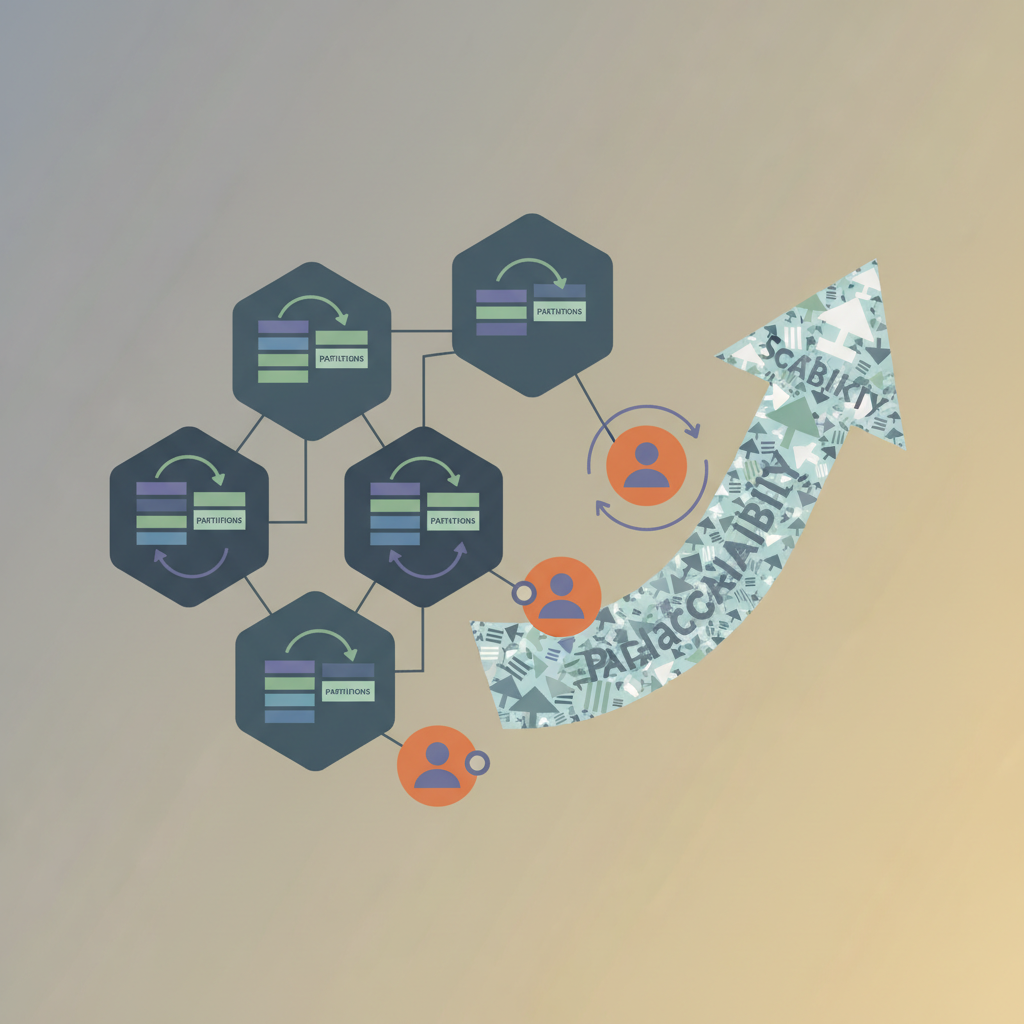
TL;DR — Choosing the right partition count is a capacity‑planning decision, not a guess. Align partitions with consumer parallelism, network bandwidth, and hot‑key patterns, then adopt cooperative rebalancing to keep latency low while scaling consumer groups.
Kafka’s brilliance lies in its ability to turn a single logical stream into many independent, ordered slices called partitions. Those slices are the work units that drive parallelism across producers, brokers, and, most importantly, consumers. Yet every production engineer learns the hard way that a mis‑chosen partition count can cause painful rebalances, uneven load, or throttling at scale. This article walks through the math, the protocols, and the architectural patterns you need to size partitions, tame consumer‑group rebalancing, and keep your pipeline performant as traffic grows.
Understanding Kafka Topic Partitioning
How Partitions Work
A Kafka topic is a logical name; behind the scenes it is a set of N partitions, each hosted on a leader broker and replicated to a set of follower brokers. Messages are appended to a partition log in the order they arrive, and each message gets a monotonically increasing offset that uniquely identifies its position within that partition.
Key points:
- Ordering guarantee – Within a partition, the order of records is preserved. Across partitions, no ordering guarantee exists.
- Parallelism – Each consumer in a consumer group can read from one or more partitions concurrently.
- Replication factor – Determines fault tolerance, not throughput. A replication factor of 3 is common for production.
Partition Count vs Throughput
The intuitive rule is: more partitions → higher throughput. In practice, the relationship is bounded by three resources:
| Resource | Impact of More Partitions | Typical Bottleneck |
|---|---|---|
| Disk I/O on brokers | More concurrent appends/readers; each partition has its own file handle. | SSD bandwidth, especially for high‑throughput topics. |
| Network | Each partition’s leader must serve fetch requests; more leaders spread traffic across the cluster. | NIC capacity per broker; cross‑rack traffic for replicas. |
| Consumer CPU | Each consumer thread handles a single partition (unless you implement a custom scheduler). | Number of consumer threads you can run on a host. |
A rule of thumb from the Apache docs suggests 1 MiB/s per partition for typical SSDs, but real workloads vary. A pragmatic approach is to start with a baseline (e.g., 6–12 partitions per broker) and then validate with load testing.
Calculating a Target Partition Count
Below is a simple Python helper that estimates a starting partition count based on expected peak throughput and per‑partition capacity:
def estimate_partitions(
    peak_bytes_per_sec: int,
    bytes_per_sec_per_partition: int = 1_048_576,  # 1 MiB/s
    replication_factor: int = 3,
    broker_count: int = 4,
) -> int:
    """
    Returns a partition count that distributes load evenly across brokers.
    """
    # Total partitions needed for throughput (ignoring replication)
    partitions_for_throughput = peak_bytes_per_sec // bytes_per_sec_per_partition
    # Ensure each broker gets at least one leader partition
    min_partitions = broker_count
    # Round up to the next multiple of broker_count for even leader distribution
    if partitions_for_throughput < min_partitions:
        partitions_for_throughput = min_partitions
    else:
        remainder = partitions_for_throughput % broker_count
        if remainder:
            partitions_for_throughput += broker_count - remainder
    return partitions_for_throughput
Running estimate_partitions(peak_bytes_per_sec=10_000_000) (≈10 MiB/s) on a 4‑broker cluster yields 12 partitions, which aligns with the “6–12 per broker” heuristic.
Consumer Group Rebalancing Mechanics
When a consumer joins or leaves a group, Kafka triggers a rebalance to reassign partitions to the remaining members. Rebalancing is essential for fault tolerance but can be a source of latency spikes if not tuned.
Trigger Conditions
| Event | What Happens |
|---|---|
| New consumer starts | Coordinator assigns a subset of partitions to the newcomer, revoking some from existing members. |
| Consumer crash / network loss | Coordinator detects missing heartbeats, revokes its partitions, and redistributes them. |
| Topic metadata change (e.g., partitions added) | All members must recompute their assignment. |
Manual offsets.commit failure (rare) | May trigger a rebalance depending on the client config. |
Rebalance Protocols: Eager vs Cooperative
Kafka 2.4 introduced Cooperative Rebalancing (also called incremental cooperative). It addresses the “stop‑the‑world” pause of the classic eager protocol.
| Protocol | Behavior | Typical Latency |
|---|---|---|
| Eager | All members stop processing, revoking all partitions before new assignments are granted. | 2–5 seconds for a 10‑member group (depends on commit latency). |
| Cooperative | Members only revoke partitions they are losing; others keep processing. | Sub‑second for most steady‑state changes. |
To enable cooperative rebalancing, set the consumer config:
# application.properties (Spring Boot) or plain Java properties
group.id=my-consumer-group
partition.assignment.strategy=org.apache.kafka.clients.consumer.CooperativeStickyAssignor
Or, in a Python confluent_kafka client:
from confluent_kafka import Consumer

conf = {
    "bootstrap.servers": "broker1:9092,broker2:9092",
    "group.id": "my-consumer-group",
    "partition.assignment.strategy": "cooperative-sticky",
}
consumer = Consumer(conf)
Reducing Rebalance Impact
- Static Membership (Kafka 3.0+) – Assign a stable
member.idto each consumer instance. This prevents unnecessary revocations when the group size changes. - Graceful Shutdown – Call
consumer.wakeup()andconsumer.close()with a timeout, letting the coordinator know the member is leaving voluntarily. - Increasing
session.timeout.ms– Gives the broker more leeway before declaring a member dead, but beware of longer detection of genuine failures.
Patterns for Scaling with Partitions
Design for Predictable Load
- Key‑Based Partitioning – Use a deterministic key (e.g., user ID) so that related events always hit the same partition. This reduces cross‑partition joins later.
- Uniform Key Distribution – If your key space is skewed, consider salting the key (prepend a random bucket) and then de‑salt downstream. Example in Java:
public String saltedKey(String userId, int numBuckets) {
    int bucket = Math.abs(userId.hashCode()) % numBuckets;
    return bucket + "_" + userId;
}
- Avoid Over‑Partitioning – More partitions increase metadata overhead (the controller must track each partition’s leader, ISR, etc.). In large clusters, keep the total partition count below 10 k per broker.
Avoiding Hot Partitions
A hot partition appears when a disproportionate share of traffic lands on a single partition, often due to a high‑cardinality key that isn’t truly random. Symptoms include:
- One broker’s CPU spikes while others idle.
- Consumer lag spikes only for a subset of partitions.
Mitigation steps:
- Add a hash‑based partitioner (
org.apache.kafka.clients.producer.internals.DefaultPartitioneris already hash‑based, but you can customize). - Reshard keys – Introduce a secondary dimension (e.g., region) into the key.
- Increase partition count – If you can’t change the key, more partitions dilute the hot spot.
Scaling Consumers Independently of Partitions
Sometimes you need more consumer threads than partitions (e.g., CPU‑heavy processing). Two patterns help:
- Fan‑out with a “worker” topic – A lightweight consumer reads from the original topic, enriches or batches messages, then writes to a secondary “worker” topic with a higher partition count.
- Batch Processing within a Partition – Have each consumer thread process messages in batches, reducing per‑message overhead. Example using the Java client:
while (true) {
    ConsumerRecords<String, String> records = consumer.poll(Duration.ofMillis(100));
    List<ConsumerRecord<String, String>> batch = new ArrayList<>();
    for (ConsumerRecord<String, String> r : records) {
        batch.add(r);
        if (batch.size() >= 500) {
            processBatch(batch);
            batch.clear();
        }
    }
    consumer.commitSync(); // commit after each batch
}
Architecture: Partition‑Aware Microservices
Example Topology on GCP
+----------------+      +----------------+      +----------------+
|   Producer A   | ---> |  Kafka Cluster | ---> |   Consumer X   |
| (Cloud Run)    |      | (3‑broker ZK)  |      | (GKE pod)      |
+----------------+      +----------------+      +----------------+
          ^                                          |
          |                                          v
+----------------+      +----------------+      +----------------+
|   Producer B   | ---> |  Kafka Connect | ---> |   Consumer Y   |
| (Dataflow)     |      | (JDBC source)  |      | (Dataproc)     |
+----------------+      +----------------+      +----------------+
Key architectural decisions:
- Topic per domain –
orders,payments,inventory. Each topic gets a partition count derived from its peak QPS (e.g.,orders48 partitions for 5 k TPS,payments24 partitions for 2 k TPS). - Cooperative Rebalancing – All consumer deployments use the
cooperative-stickyassignor to keep latency under 200 ms during autoscaling events. - Static Membership via Kubernetes Labels – Each pod receives a
KAFKA_MEMBER_IDenvironment variable derived from its pod UID, ensuring the group coordinator can map members deterministically. - Monitoring – Prometheus scrapes
kafka_consumer_lagandpartition_leader_bytes_in_per_sec. Alerts fire when any partition’s lag exceeds 10 k messages or when leader inbound traffic > 80 % of NIC capacity.
Failure Modes and Mitigations
| Failure Mode | Symptom | Mitigation |
|---|---|---|
| Rebalance Storm (many consumers join/leave rapidly) | Latency spikes, frequent ConsumerRebalanceFailedException | Use static membership, rate‑limit scaling actions, and enable cooperative assignor. |
| Leader Imbalance (few brokers hold most leaders) | Hot‑broker CPU, network saturation | Run kafka-reassign-partitions.sh with a balanced replica assignment; enable auto.leader.rebalance.enable in newer Kafka versions. |
| Under‑replicated Partitions after broker loss | Data loss risk, reduced availability | Ensure min.insync.replicas ≥ 2; monitor UnderReplicatedPartitions metric. |
| Consumer Lag Accumulation | Downstream pipelines stall | Increase consumer parallelism, tune fetch.max.bytes, or add a buffer topic for back‑pressure handling. |
Key Takeaways
- Size partitions for throughput, not for the number of consumers – Use a simple capacity model (≈1 MiB/s per partition) and round up to an even multiple of broker count.
- Prefer cooperative rebalancing – It reduces pause time during scaling events and is the default in recent client versions.
- Guard against hot partitions – Apply key salting, custom partitioners, or increase partition count before traffic spikes.
- Static membership and graceful shutdown make autoscaling predictable and keep rebalance latency sub‑second.
- Architect with partition‑aware services – Align microservice boundaries with topic boundaries, and expose metrics (lag, inbound bytes) to detect imbalance early.